Disable "Send Copy to Submitter" in Joomla
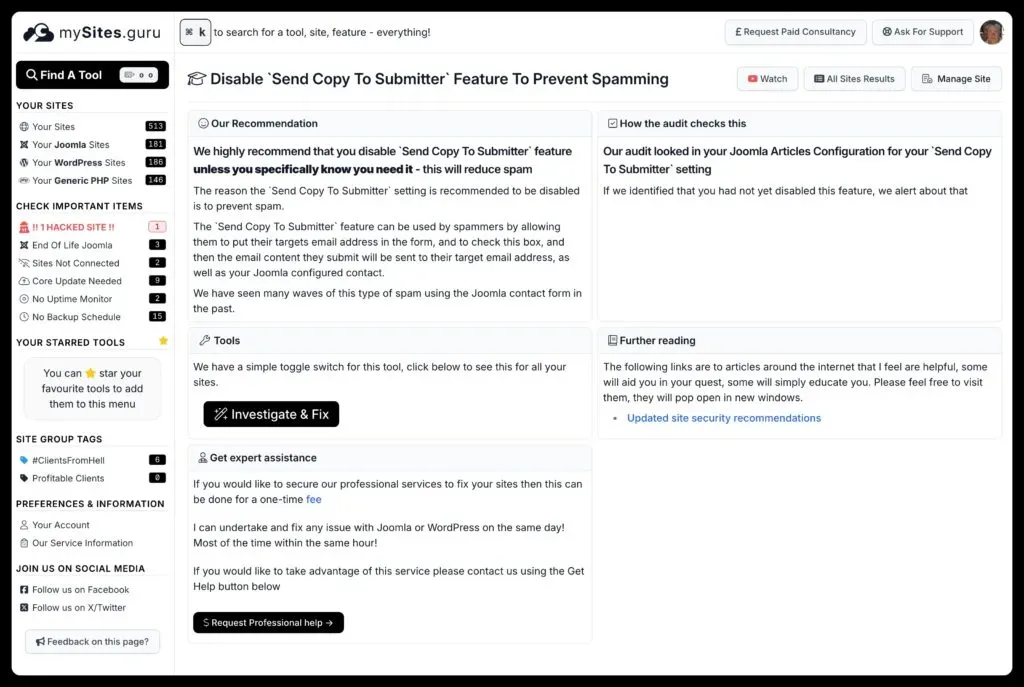
We have all been there. The customer calls and says people are telling him that his Joomla Site is spamming them, and on investigation the spammer has misused the Send Copy To Submitter feature of Joomla. Well now mySites.guru identifies this setting and alerts you if its not disabled.
One of the long standing core features of Joomla is the Contact Form.
However, the contact form has been much abused by spammers over the years.
One of the ways spammers abuse the contact form is to use the Send Copy To Submitter feature.
This is a simple checkbox on the contact form that, when ticked, and the form submitted, will send the contact form as normal to the Site Admin (or whoever its configured to send to) as well as to the email address provided by the person filling in the form.
That “person” might be a bot, a spammer, and the email address they provide in the “Email” input is the email address destination of their spam target.
Once they put the email of their target in, and check the Send Copy To Submitterbox they submit the form and Joomla simply honours what they have asked. It sends a copy to the email address provided.
The “victim” then receives spam with a subject line starting “Copy of:”
The “victim” then accuses your site of spamming them. Of course, this only works if your site’s email configuration is actually sending mail in the first place - see how to verify your Joomla email configuration for the full checklist.
How Do You Disable Send to Submitter in Joomla?
Does the mySites.guru Snapshot Show This Setting?
Every day the mySites.guru snapshot takes tens of thousands of new snapshots of Joomla and WordPress sites (the Send Copy To Submitter issue is a Joomla thing though!)
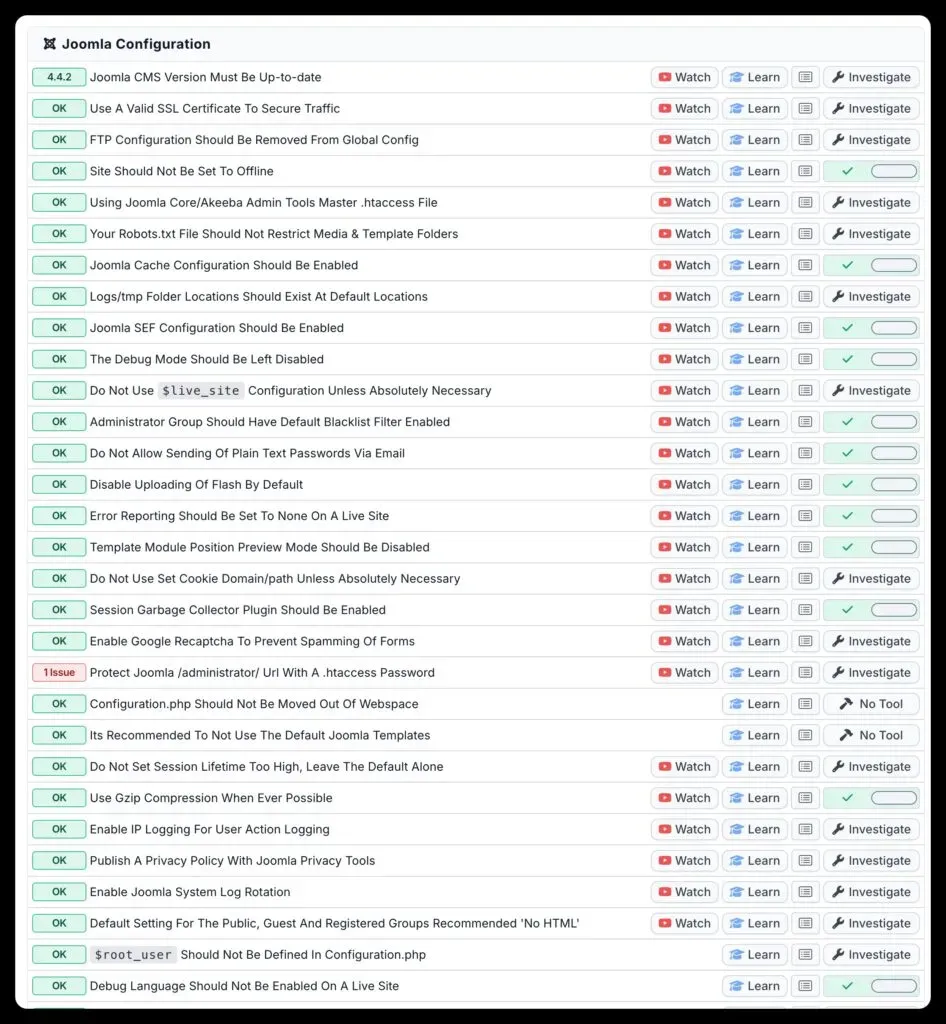
We now report in the snapshot if your site has the Send Copy To Submittersetting enabled.

Note that in later versions this setting is disabled by default when you install Joomla, and that earlier versions had it enabled by default.
Note also that although we check the Global value of this setting, you can still override the Global setting on a per form basis. We don’t check this because that is a deliberate action you would need to take, and we hope you know why you did it. We are just recommending sane Global defaults.
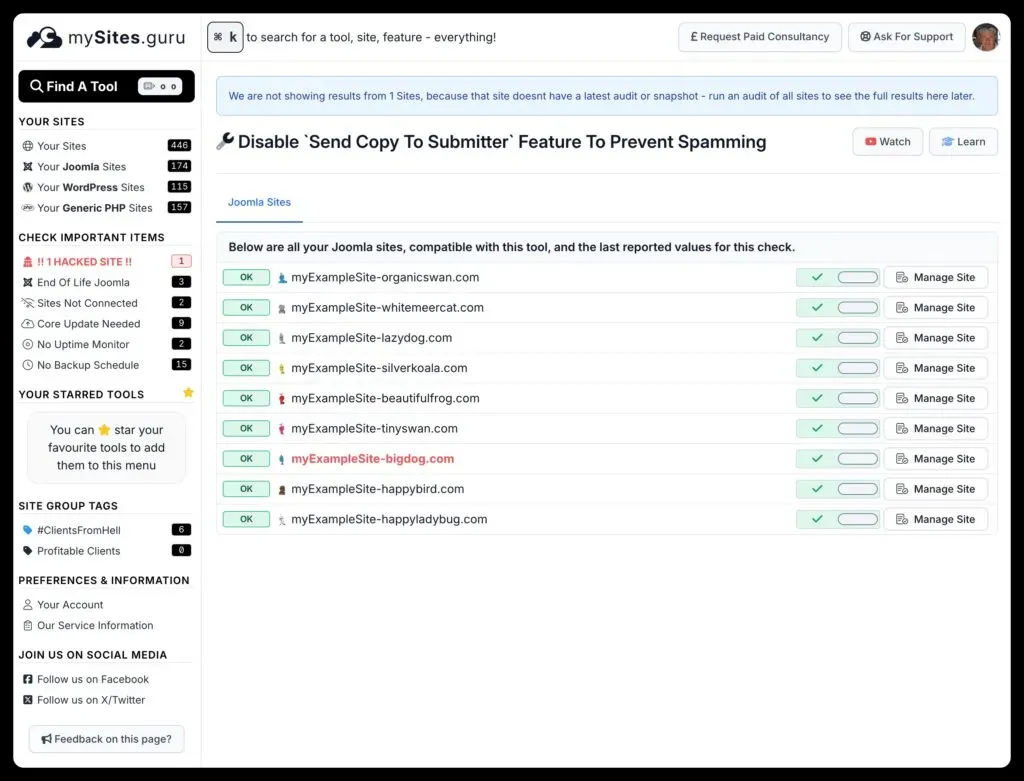
You can also use the pivot button to view this settings current status on ALL your connected sites to mySites.guru (remember that mySites.guru is an UNLIMITED SITES service for only GBP19.99 a month!)
For more Joomla-specific configuration and security tips for agencies, see the Joomla agency handbook.