Track SSL Certificate Expirations Easily
The screenshots below are from an older version of the interface. We've since redesigned the dashboard, but the process works the same way.
mySites.guru has checked SSL certificates on every site snapshot since 2012. It’s one of those features that runs quietly in the background - you only notice it when something goes wrong and it catches the problem before your clients do.
When we snapshot your Joomla or WordPress site as part of our security audit, we download the active SSL certificate the same way a browser would. We check the SSL issuer, expiration date, and the full certificate validation chain to make sure all intermediate certificates are also valid.
SSL has a lot going on under the hood. We check the ciphers in use and the minimum encryption level your server accepts. If your site allows insecure encryption methods, we’ll alert you by email.
We also distinguish cPanel and Let’s Encrypt SSL Certificates as these are normally web host provided and auto-renewed without user intervention, these are shown with custom icons on your dashboard.
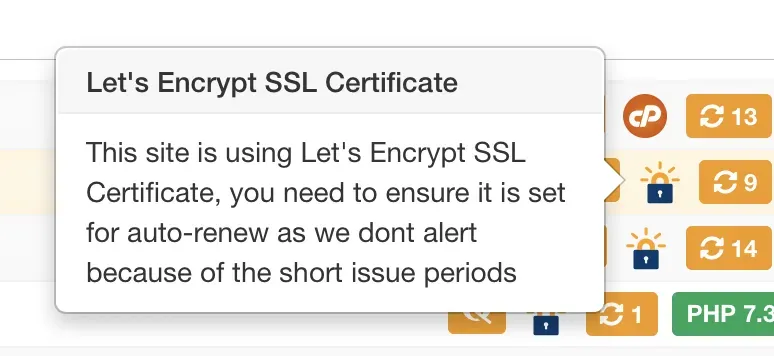
Short expiration dates are now standard
Certificate lifetimes have been shrinking for years. What used to be a 2-5 year certificate is now often 90 days with Let’s Encrypt. Auto-renewal handles this most of the time, but when it fails, browsers block your site for visitors entirely.
That’s why mySites.guru shows you an overview of all your SSL certificates sorted by expiration date.
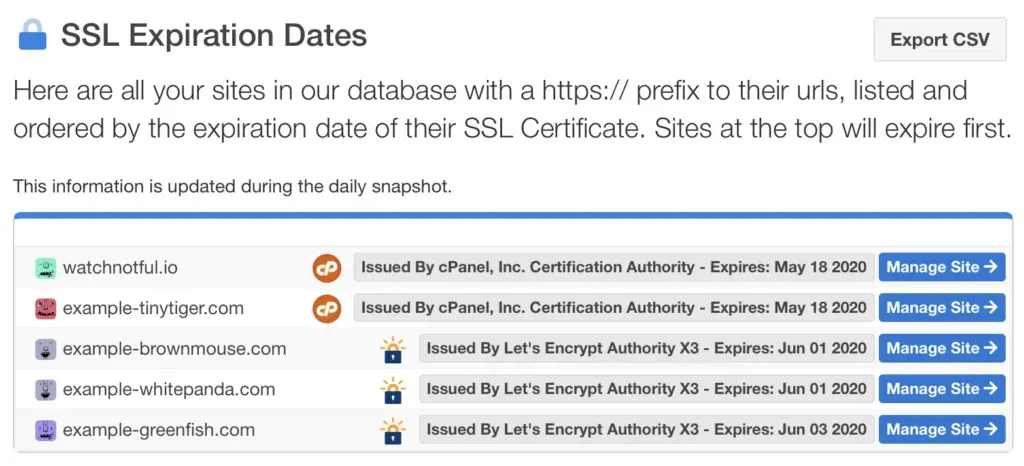
On this screen you can also export the list to CSV file for further offline processing should you wish.
Expiry alerts
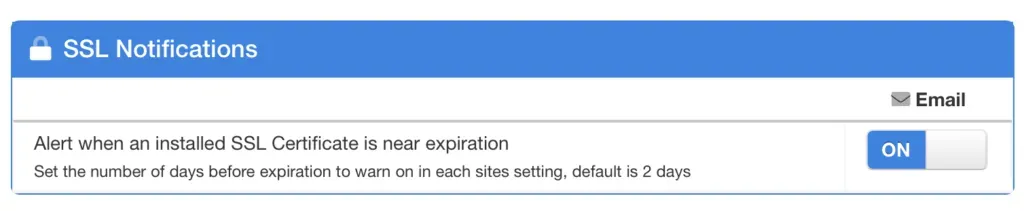
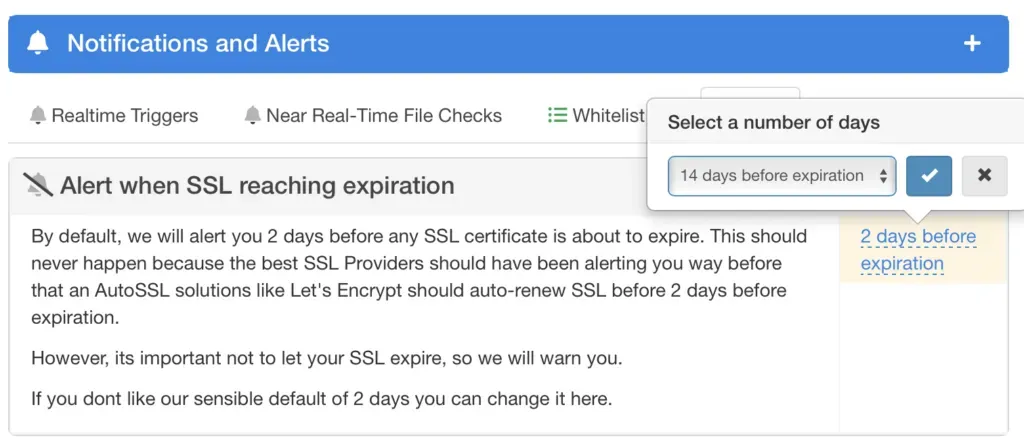
By default, mySites.guru alerts you when a certificate gets within 2 days of expiry. For most sites with auto-renewal that threshold should never trigger - but it’s there as a safety net.
If your renewal process requires more lead time, you can configure how many days in advance you want the alert.
Bonus: Qualys SSL Labs integration
Qualys SSL Labs is the standard tool for testing SSL implementation in depth. mySites.guru links directly to it from the Learn More page in the SSL Snapshot tool.
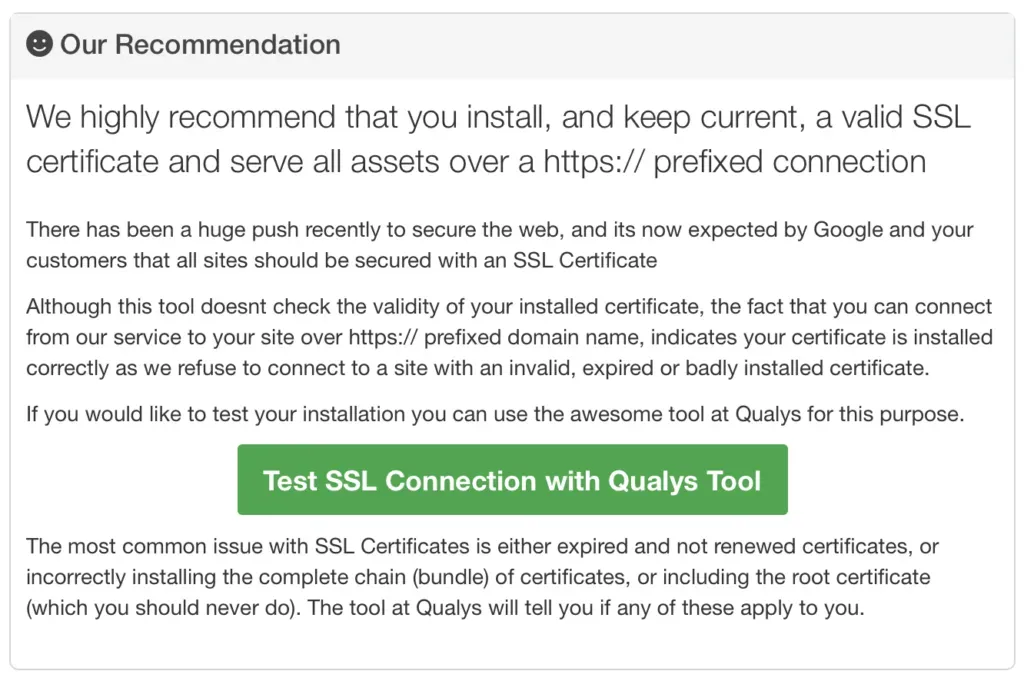
It gives you detailed technical information about your SSL configuration and your web server’s security posture.
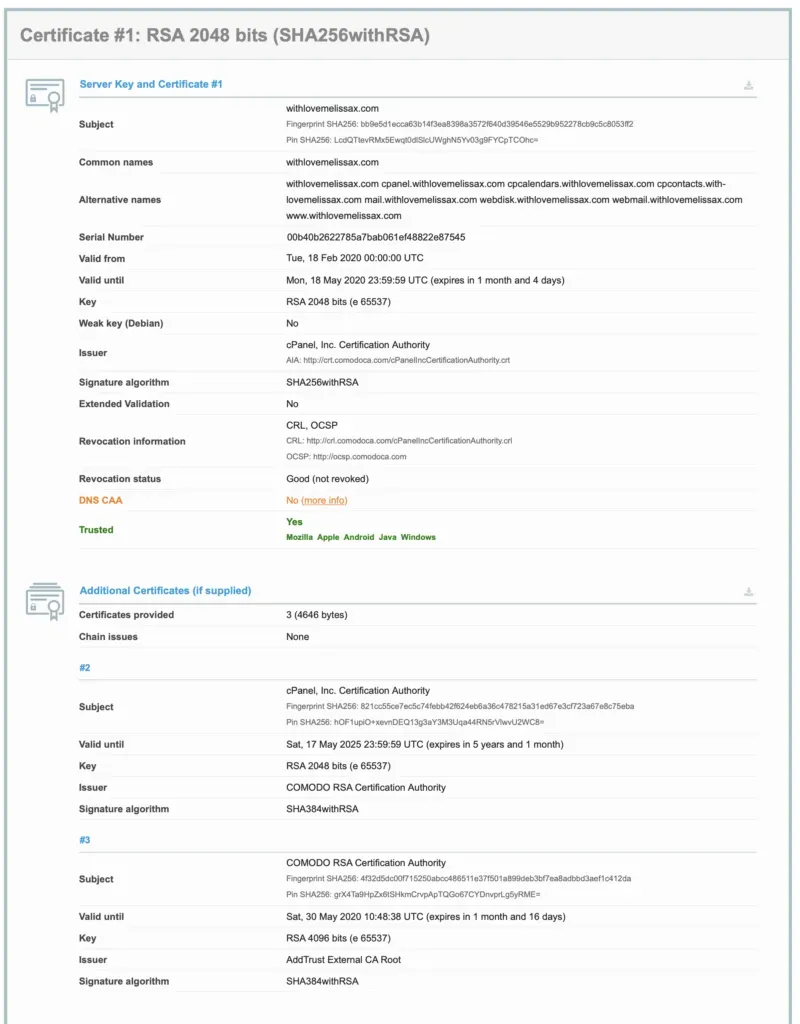
SSL tracking is covered in our monitoring and alerting guide.