mySites.guru Raycast Extension for Mac
We’ve had an Alfred workflow for this for a while, but a lot of Mac users have moved to Raycast and kept asking for a native extension. So here it is.
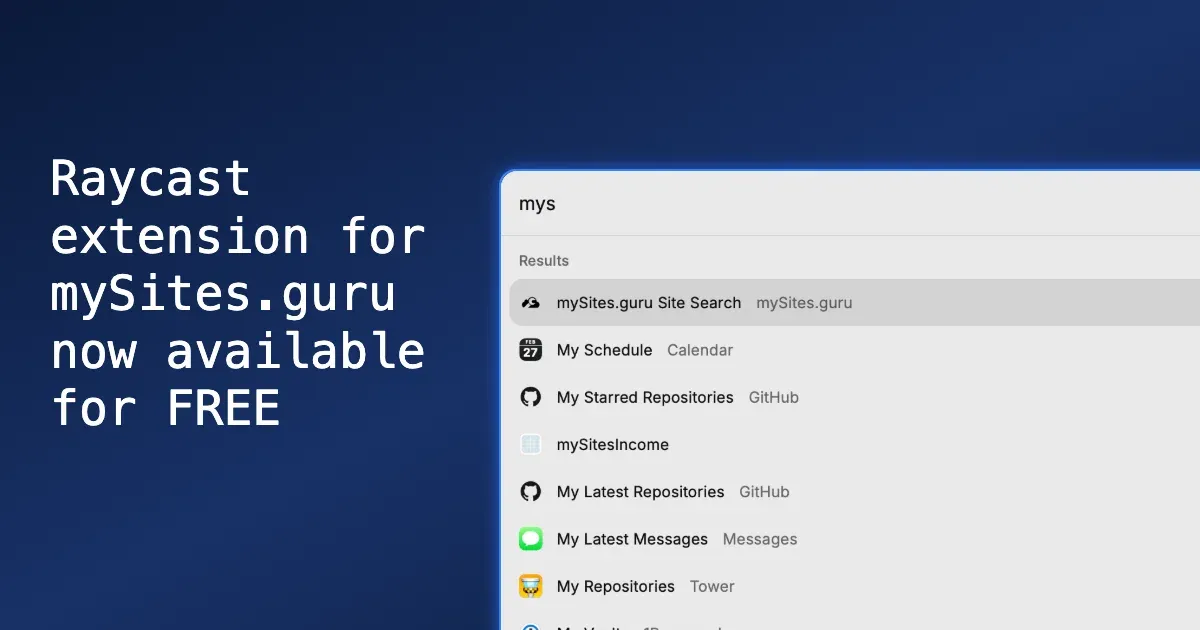
Type “mys” into Raycast and the mySites.guru Site Search command appears at the top:
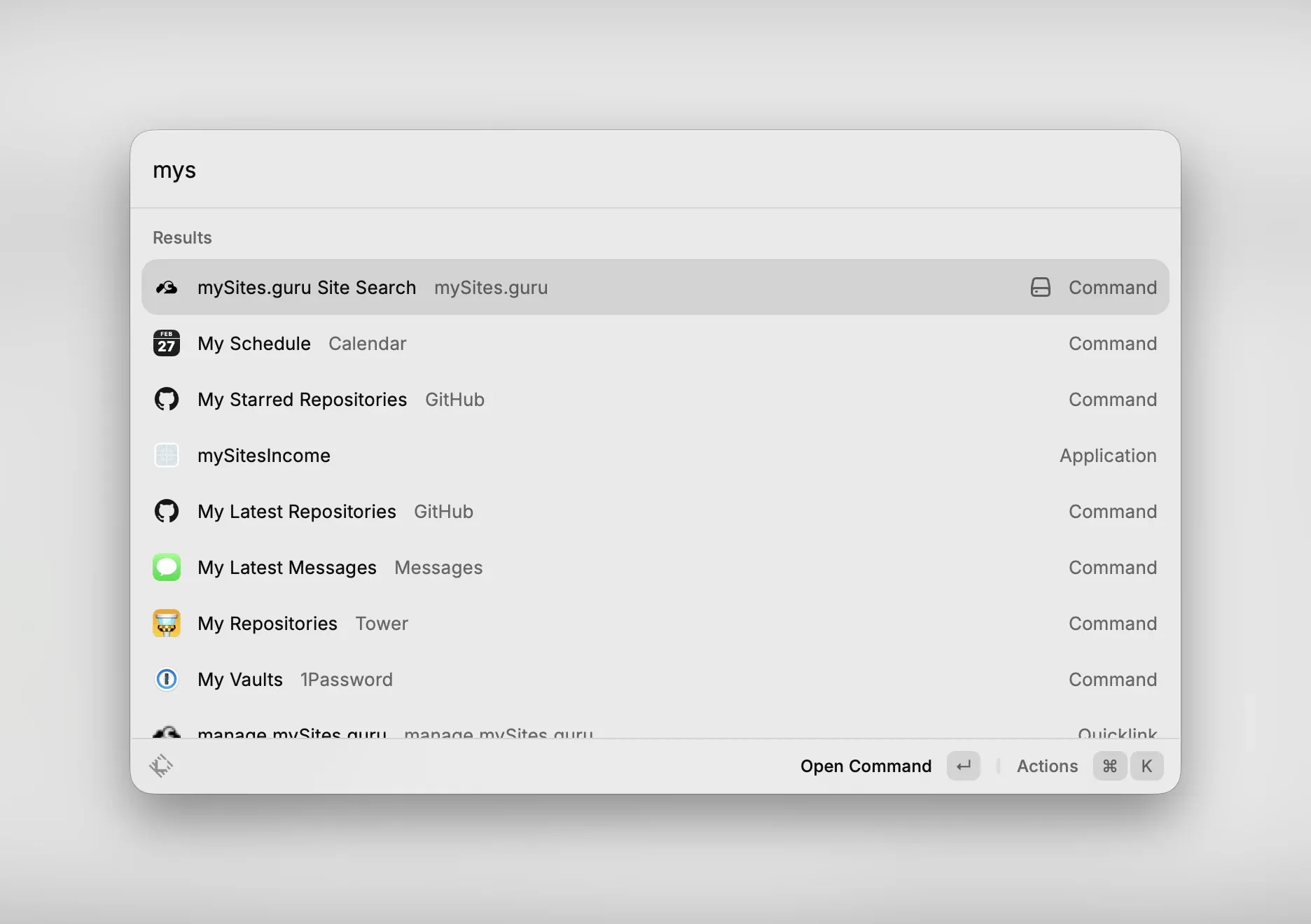
Then press Enter to open the command and you will see a list of your sites.
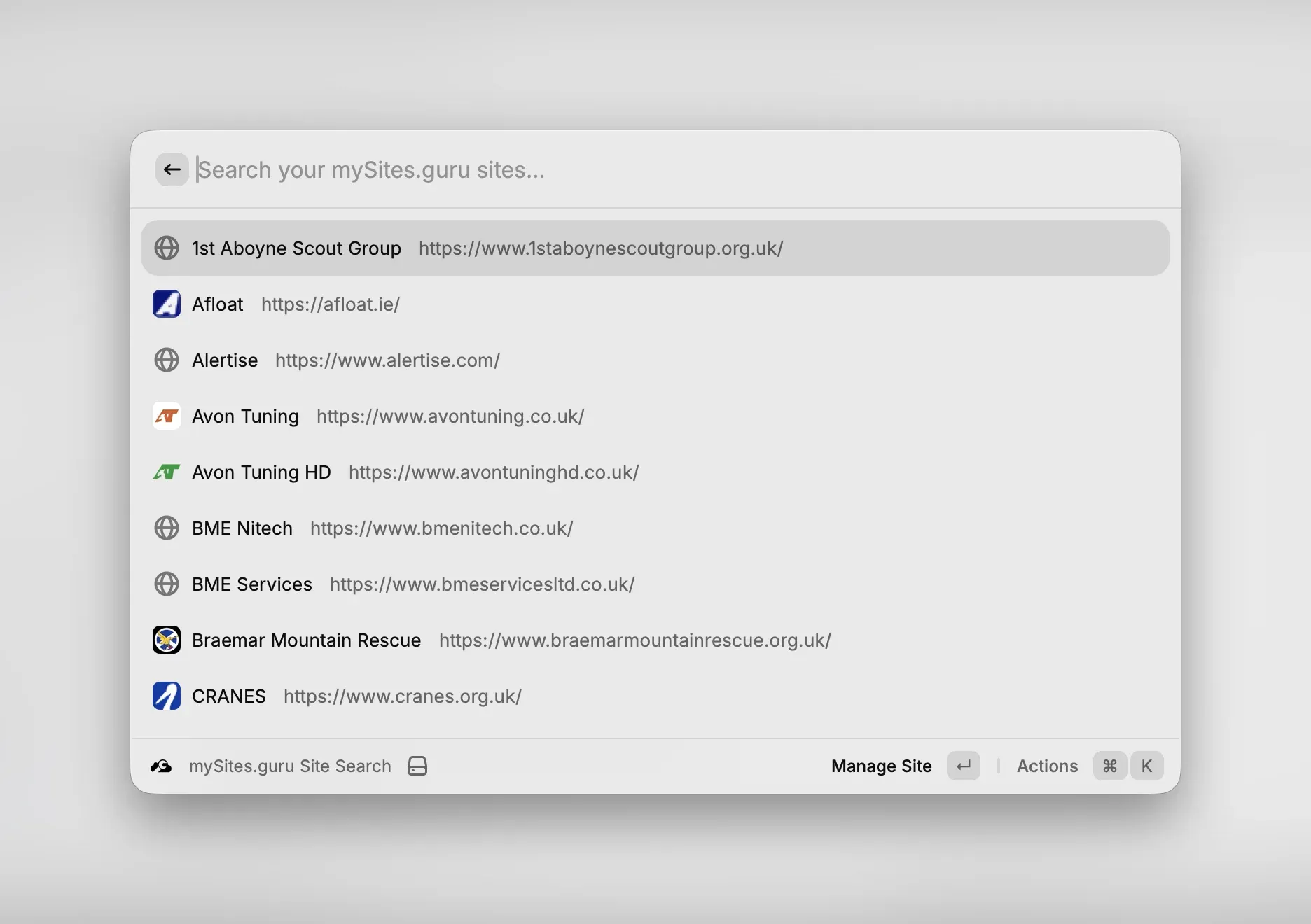
Hit Enter to load the Manage Site page for that site. Or use ⌘K in Raycast to view more options like opening the site in your browser or copying the URL.
What does it do?
Type a few characters in Raycast and you get a filtered list of every site connected to your mySites.guru account, with favicons. From there you can:
- Open the management page for any site in one keystroke
- Visit the live site in your browser
- Copy the site URL or management URL to your clipboard
- Refresh the site list on demand with ⌘R
Results are cached for 5 minutes so it feels instant.
If you manage dozens or hundreds of sites, this changes the workflow. Instead of logging into the mySites.guru dashboard, finding the site, and clicking through, you just type a few letters and you’re there. Pair it with one-click admin login and you can go from “I need to check that site” to logged into its admin panel in about three seconds.
We also have a command palette inside the mySites.guru dashboard itself if you prefer to stay in the browser.
What is Raycast?

If you haven’t come across it yet, Raycast is a keyboard launcher for macOS that replaces Spotlight. You hit a hotkey, type what you want, and things happen. Apps open, files appear, calculations get done, windows snap into place. It responds in milliseconds.
But the launcher is just one part of it. Raycast also ships with clipboard history, window management, snippet expansion, quick notes, a calculator, calendar, and emoji picker. All keyboard-driven, all fast. If you’ve ever had five separate utility apps running to cover all that, Raycast replaces the lot.
The extension store
The real reason we built for Raycast is the extension system. There’s a store with thousands of extensions for tools you probably already use: GitHub, Notion, Linear, Slack, Figma, 1Password, VS Code, Todoist. Extensions are built with React and TypeScript, so any web developer can build one without learning anything new.
Our mySites.guru extension is distributed from GitHub rather than the Raycast Store, but once installed it works exactly like any other Raycast command.
Free where it matters
The base Raycast app is free, and extensions work on the free tier. There’s a paid Pro plan for AI features and cloud sync, but you don’t need it for the mySites.guru extension or most of the store. Compare that to Alfred, where you need the paid PowerPack (£34+) before workflows do anything at all.
If you’re already on Raycast, our extension drops straight in. If you’re still on Spotlight, this might be worth a look.
Download
The extension is hosted on GitHub. Grab the latest release here:
Download mySites.guru Raycast Extension
You’ll get a .zip file containing the extension source. No Raycast Store install needed - you run it locally as a dev extension, which takes about 30 seconds.
If you’d rather clone the repo directly:
git clone https://github.com/mySites-guru/raycast-extension.gitHow to install
- Download the latest release from GitHub
- Extract the archive and run:
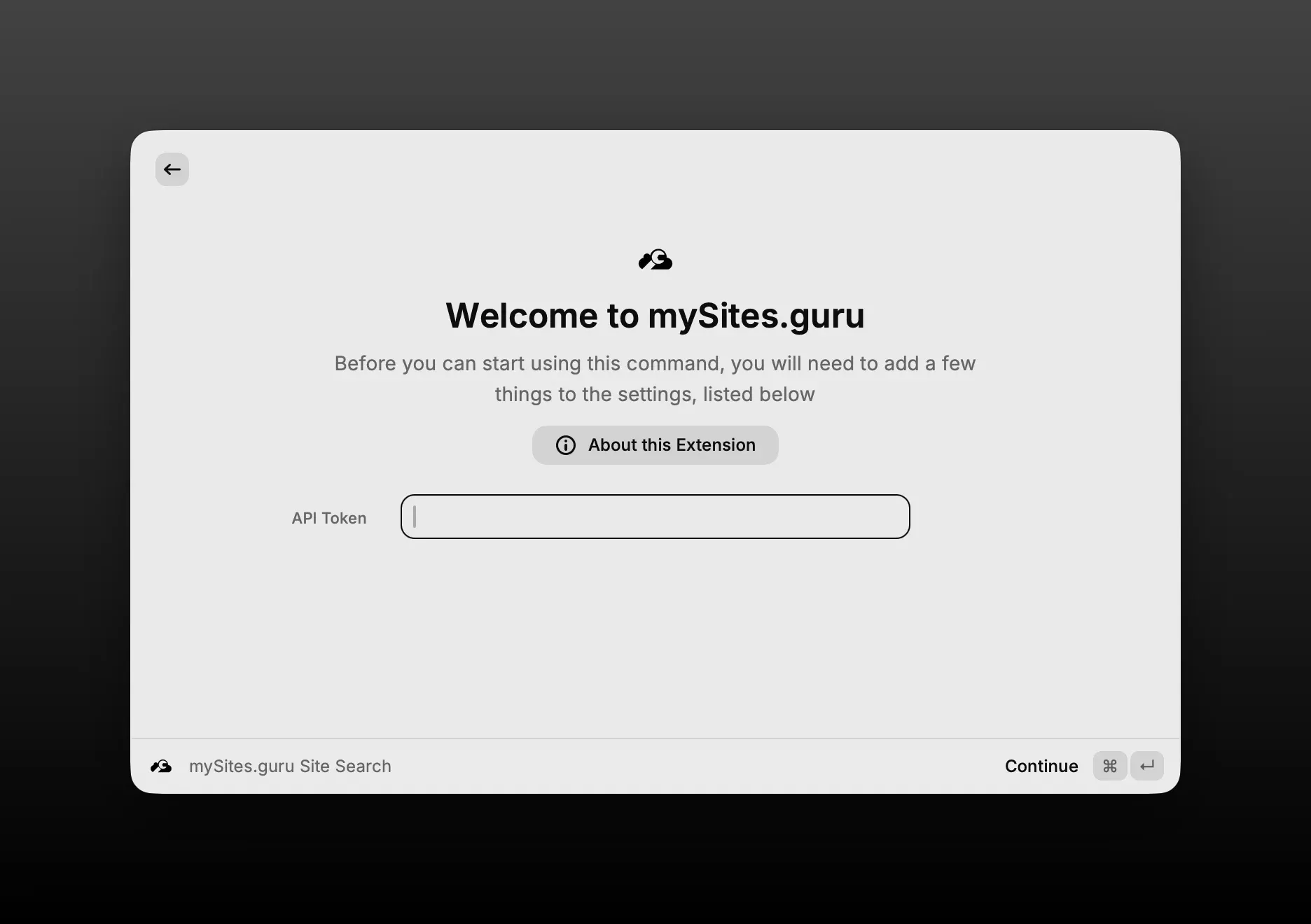
Terminal window npm install && npm run dev - Raycast will prompt you for your API token on first launch
- Get the token from manage.mysites.guru/en/sites/screenshots (enable “Public Site Screenshots” first if you haven’t already)
That’s it. Start typing a site name and your sites appear.
On first launch, Raycast will show the welcome screen where you paste your token:
Same token as Alfred
If you already set up the Alfred workflow, you already have a token. The Raycast extension uses the same one, same API, same endpoint. You can run both side by side if you want.
Open source
The extension is open source on GitHub under the MIT license. Pull requests welcome if you want to add something.
Not on mySites.guru yet?
If you’re managing multiple WordPress or Joomla sites and don’t have a mySites.guru account, you can start with a free audit to see what it does. The Raycast extension works on all plans, including the free tier. Check the full feature list or go straight to pricing if you already know what you need.
This is one of several productivity tools in our agency management guide.