How to Remove the Sample Page and Hello World Post in WordPress with One Click
The default content nobody remembers to delete
Every WordPress installation ships with two pieces of placeholder content: a page called “Sample Page” and a post titled “Hello World!” They’re meant to show new users how pages and posts work, but in practice both get forgotten. Site owners move on to creating real content, and the defaults sit there indefinitely, indexed by Google, visible to visitors, and broadcasting that nobody cleaned up after the install.
mySites.guru’s WordPress Configuration audit detects both the Sample Page and Hello World post across all your connected sites, and lets you remove them with one click through the connector plugin. No wp-admin login required. If you’re managing dozens of sites, you can see exactly which ones still have default content from a single dashboard, then fix them one by one without opening a single WordPress admin panel. Try a free audit to see what your sites look like.
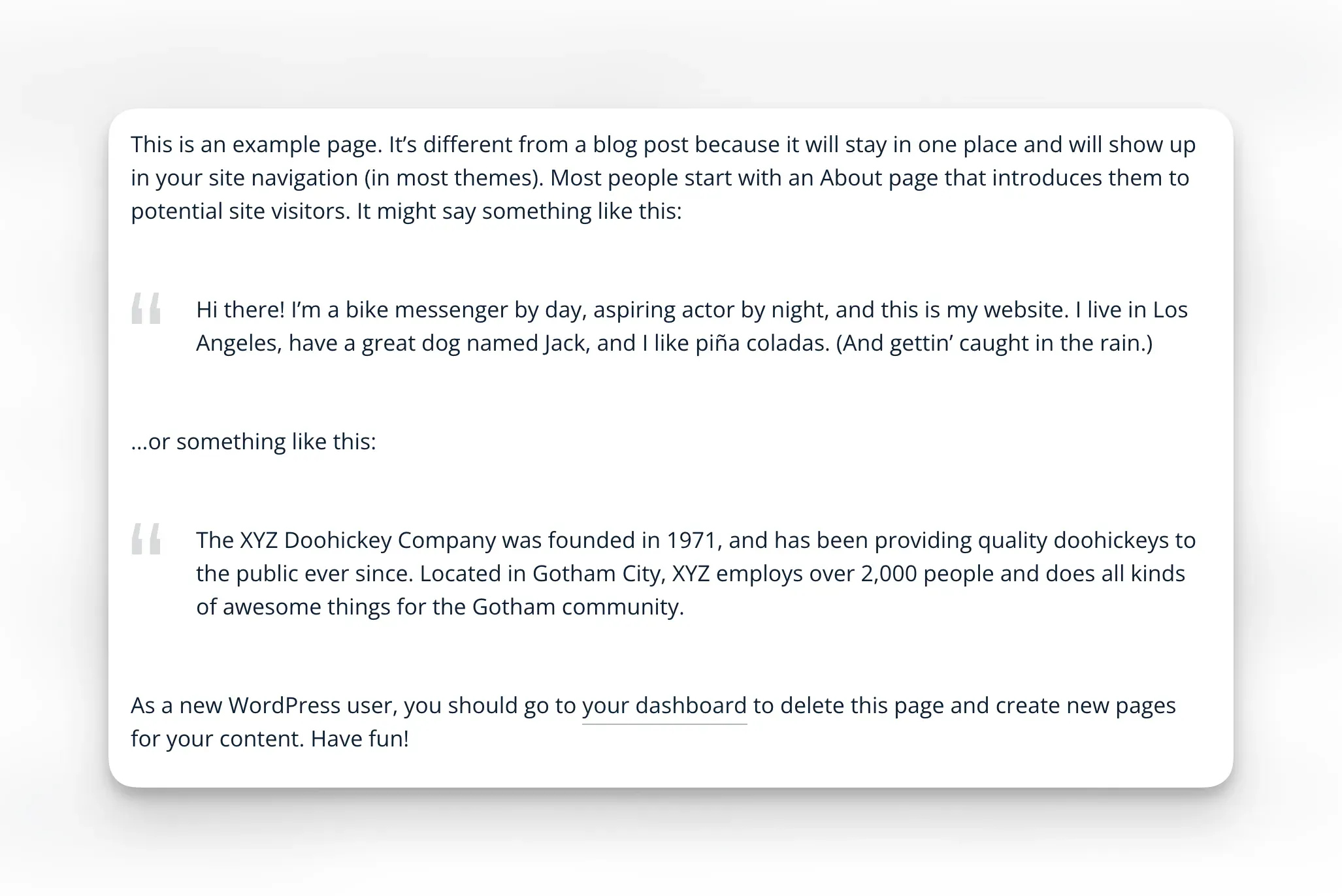
The Sample Page contains placeholder text about “The XYZ Doohickey Company” and a bike messenger, while the Hello World post is just a single sentence inviting you to delete it. Here’s the full default text:
How mySites.guru detects and removes WP default content
mySites.guru splits this into two audit checks, each with its own fix button.
The pivot page shows you the status of every WordPress site at once, so you can see which ones still have default content without opening each site individually:
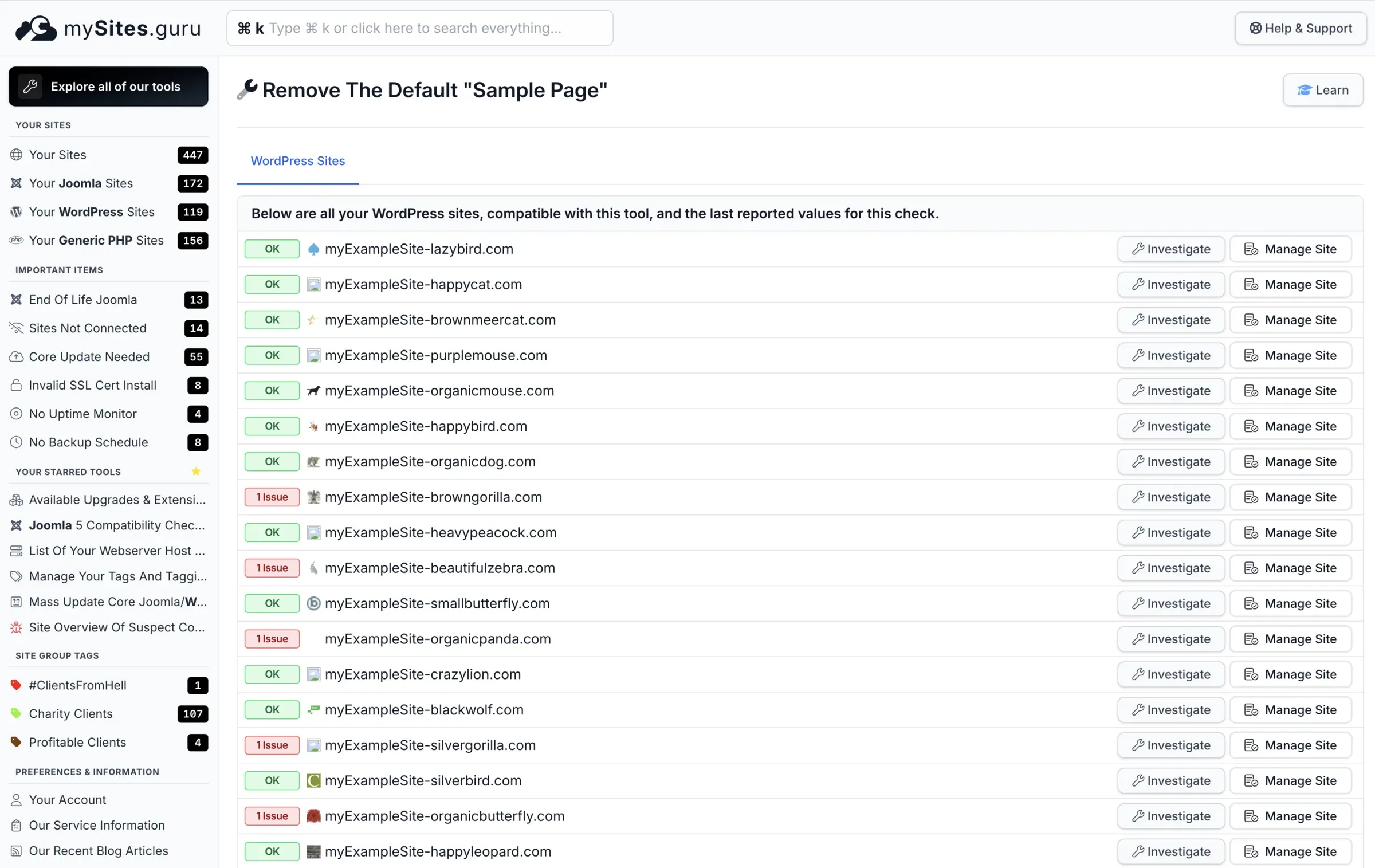
Click “Investigate” on any flagged site to see the issue details with a one-click fix button. One click later, the check goes green:
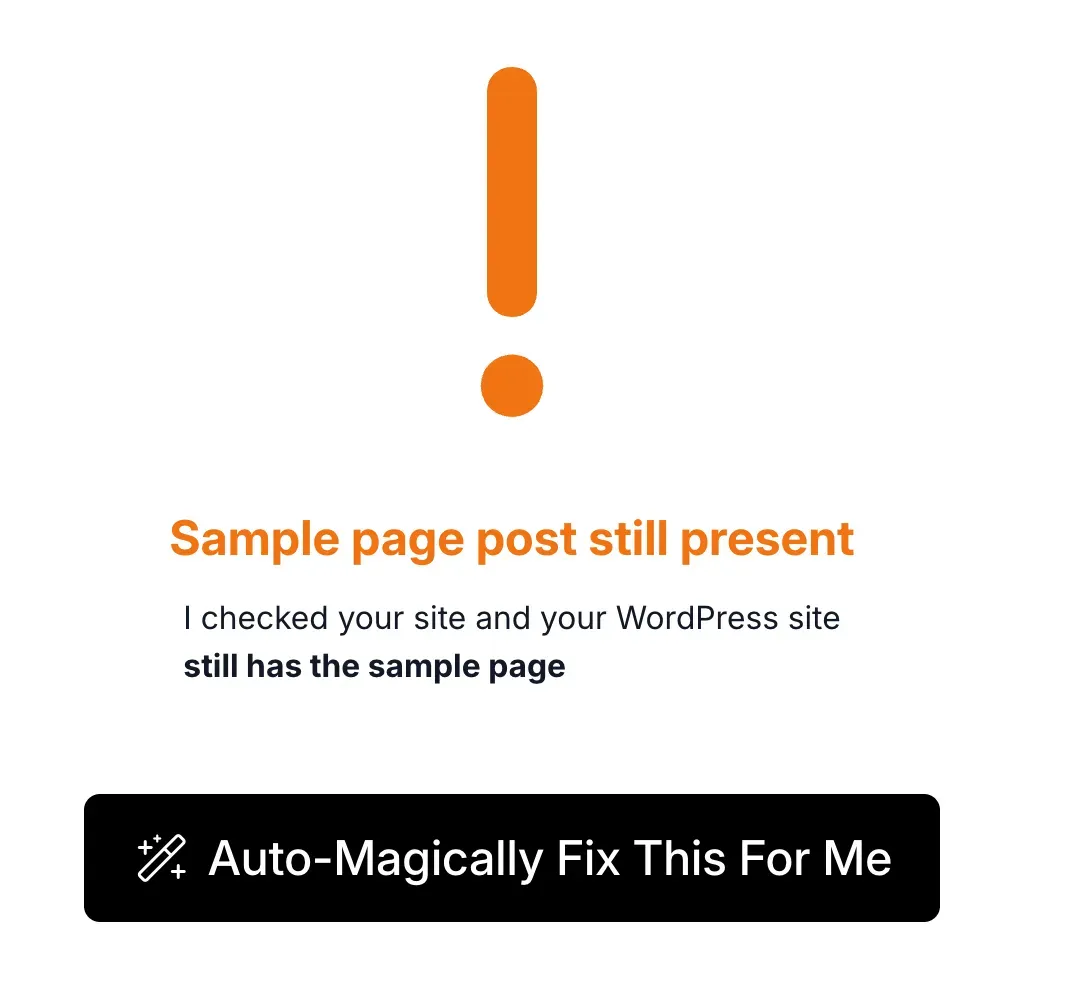
Issue detected
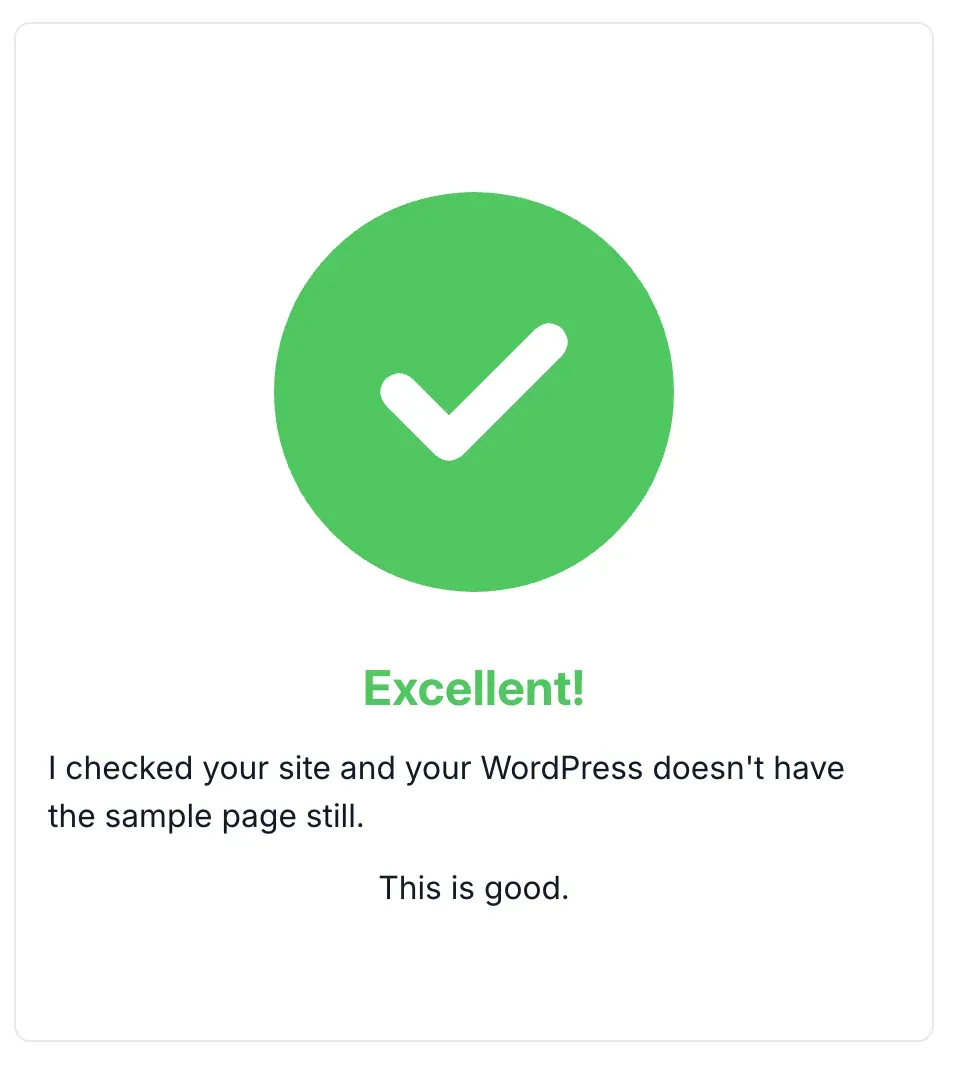
Fixed in one click
This works the same way as the one-click toggles for debug constants and removing the WordPress logo from the admin bar - the dashboard flags the issue and you fix it without logging into wp-admin.
Why two separate checks?
Some sites might have repurposed the Sample Page with real content (renamed it, changed the slug, kept the page ID). Others might have deleted one but not the other. Separate checks give you accurate reporting for each piece of default content.
Automatic detection on new sites
Every time you connect a new WordPress site to mySites.guru, the first snapshot catches default content automatically. No checklist needed.
This matters when you:
- Inherit existing sites from other developers or hosting providers
- Build sites from starter templates that may or may not clean up defaults
- Push staging sites to production where test content might slip through
- Onboard client sites that have been “live” for months with nobody noticing the leftover content
Why default WordPress content actually matters
Search engines index everything they can find. A “Sample Page” with boilerplate text like “This is an example page” competes with your actual content for crawl budget. On small sites, that’s a real percentage of your indexed pages being worthless filler.
This is not a hypothetical problem. A quick search shows default WordPress content indexed on government websites:
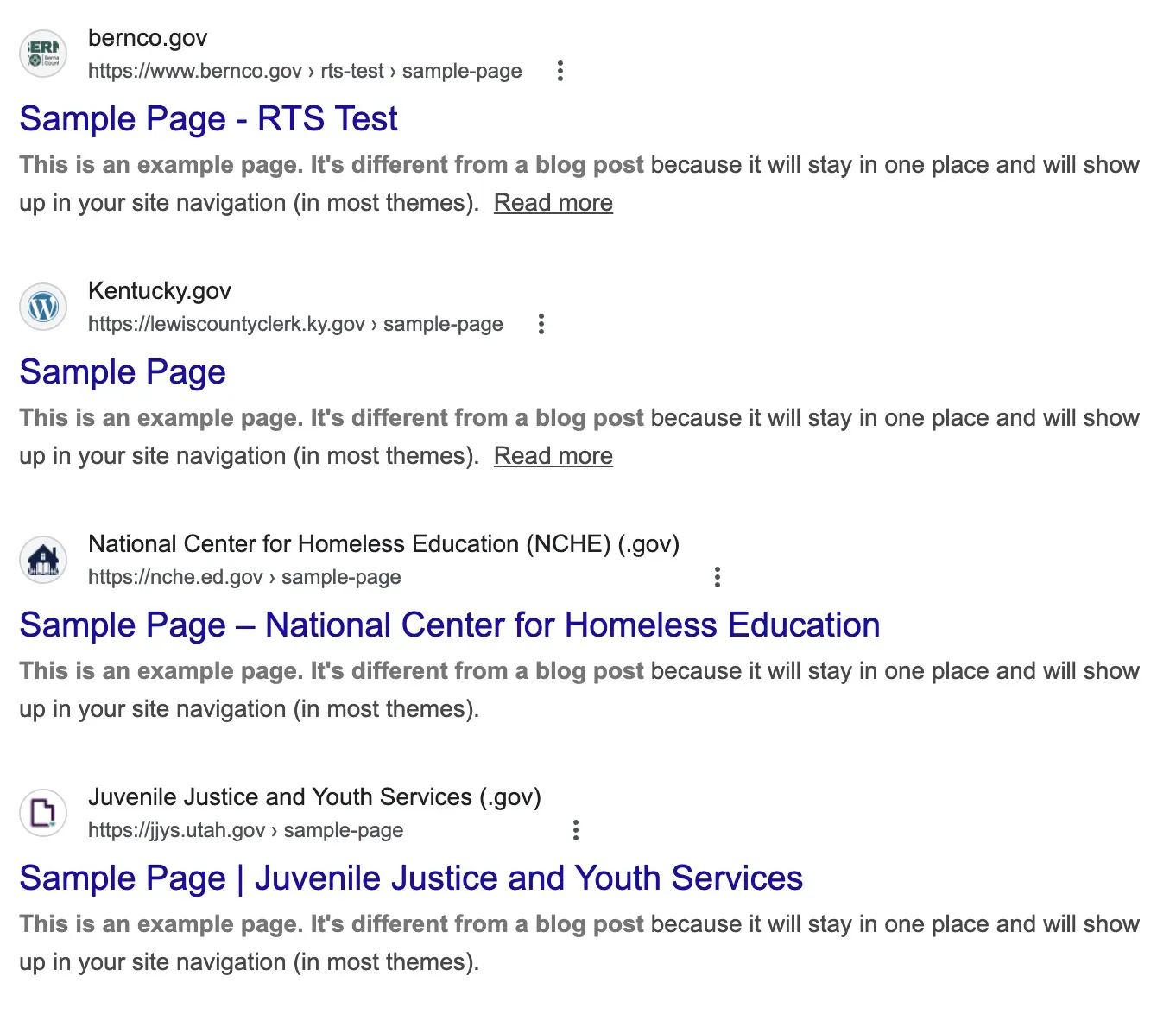
The Jersey connection
It is just as common on business and nonprofit websites. Here are eight Jersey (.je) sites, all with the default Sample Page sitting in Google’s index:
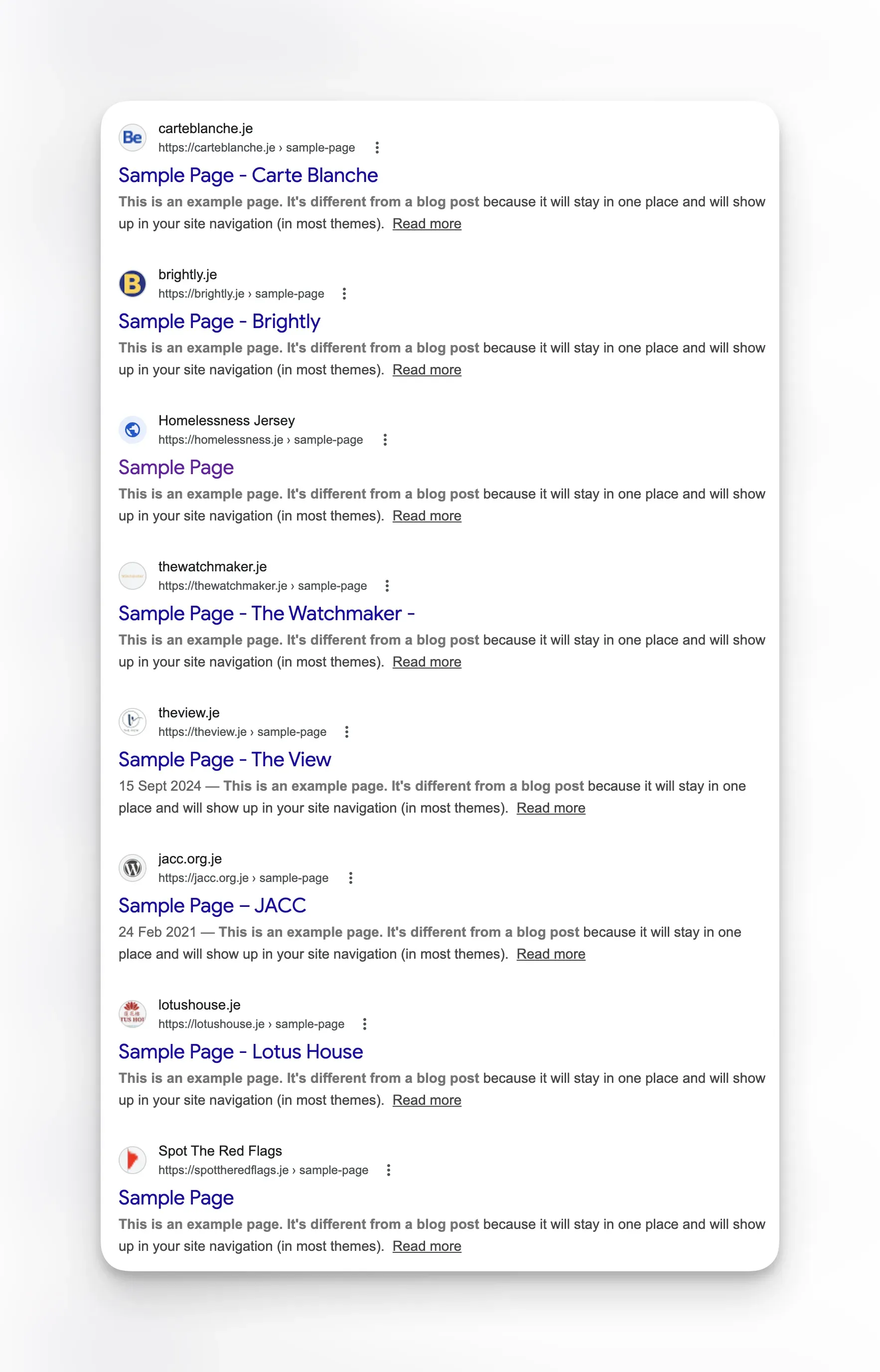
Google’s helpful content updates have made thin, low-value content a bigger ranking factor than ever. Pages with no useful content can actively hurt your site’s overall quality signals. If you’re already working on WordPress configuration best practices, removing default content should be near the top of your list.
Professional appearance and security
If a potential client visits your WordPress site and finds a “Hello World!” post dated the day you installed WordPress, it undermines trust. It says “this site isn’t maintained carefully.” For agencies building sites for clients, leaving default content behind is the digital equivalent of leaving scaffolding up after the building is finished.
Default content also confirms a site runs WordPress and suggests the setup was not done thoroughly. Automated scanners look for signals like this to identify targets that might have other default settings left unchanged - like default admin usernames, exposed wp-config backups, or enabled XML-RPC. The same principle applies to leaving debug mode enabled on production or allowing unrestricted plugin installs - each leftover default is a signal that the site might have more low-hanging fruit.
Removing default content the manual way
In a single WordPress admin, it takes about 30 seconds:
- Go to Posts > All Posts
- Trash the “Hello World!” post
- Go to Pages > All Pages
- Trash the “Sample Page”
- Empty the trash for both
Now do that for every WordPress site you manage. Log into each one, navigate to the right screen, delete the content, empty the trash. For 50 sites, that’s 50 separate login sessions.
And if you’re onboarding new sites regularly, you need to remember to check every new installation. This is the same scaling problem that makes managing multiple WordPress sites from individual admin panels unsustainable.
Part of a bigger cleanup
Default content is one of many things the WordPress Configuration audit catches. Other items in the “should have been cleaned up at install” category:
- XML-RPC still enabled - an old API surface that most sites don’t need and attackers actively target
- Debug mode left on - exposes error details and can leak sensitive paths
- Database repair endpoint exposed - allows unauthenticated access to
wp-admin/maint/repair.php - File editing enabled in the admin - lets any admin user modify PHP files directly
- Uncontrolled automatic updates - can break sites overnight with untested upgrades
They all work the same way: detected during snapshots, reported in the audit, fixable with one click through the connector. For a complete picture of what the security audit covers, including deep file scanning and hack detection, see our audit tools overview.
Scaling cleanup across a portfolio
For agencies and freelancers managing 20, 50, or 200+ WordPress sites, the real value is the confidence that none of your sites have this issue, and the automatic detection when a new site does.
Combined with the other WordPress Configuration checks, you can bring every new site up to your baseline standard within minutes of connecting it. No post-install checklist, no “I’ll get to it later” items that never get done.
If you’re building a consistent management workflow across a portfolio of client sites, start with our guide to managing multiple WordPress sites like a pro.
Further reading
- WordPress Codex: First Steps with WordPress - The official installation guide that creates the default content in Step 5
- Google Search Central: Thin Content - Google’s spam policies on pages with little or no added value
- WPExplorer: WordPress Launch Checklist - Pre-launch checklist that includes deleting dummy content like Sample Page and Hello World