Tools for Managing Multiple Sites
Ok another Friday release - we deploy 7 days a week, and especially on a Friday, our favourite day for features to be released and deployed!
Earlier in the week we reinstated the “Backup All” sites button, this time its the “Snapshot All” button!
One of the most requested features this week was the ability to update the snapshot of all sites in one go. This is useful just before a mass update of Joomla or WordPress sites.
The mySites.guru snapshot is the quickest collection of data we run. Whereas the audit requires us to look at every single file in your webspace, and then audit every single line of every single file, the snapshot is looking for very specific things.
Some of the data is version numbers, PHP Version, Joomla Version, WordPress Versions, PHP Configuration settings etc.
Some of the data is specific checks, looking at specific configuration options in your site to ensure you are following all the best practice we are promoting.
We also look for specific hacks that are quick to find.
The new “Snapshot All” button
Actually mySites.guru had this button way back in 2012 when we first launched when we only had a few sites and we did not need to worry about scaling our service
It was removed when we started getting busy :)
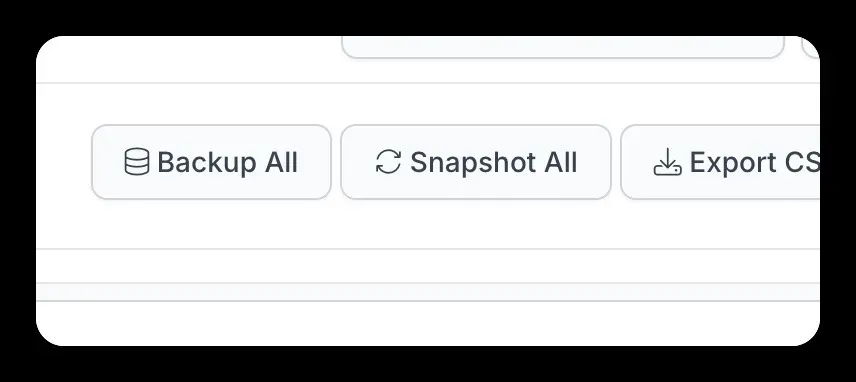
You can find the new button at the top right of the main sites overview page, this page shows some of the version numbers and results of the snapshot.
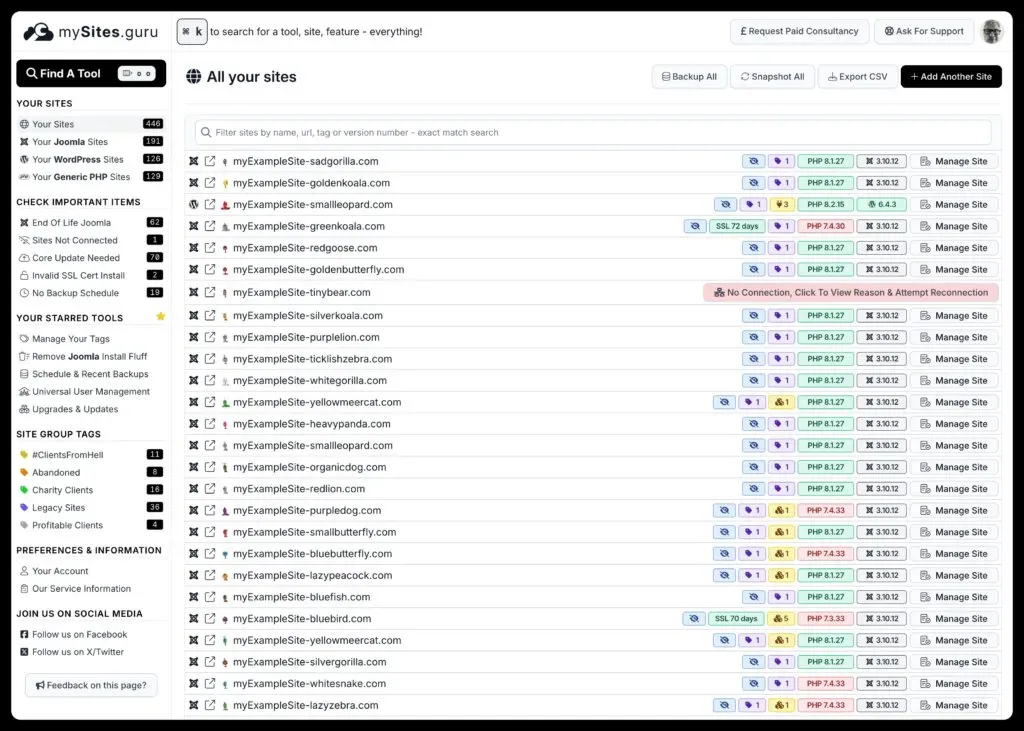
Once you press this button, we will user a job into our queue for each site, with a short load balancing delay to not overload your web servers, and snapshot each site.
This will also update the list of updates available for each site.
You can then carry on using mySites.guru as we will do this in the background for you, and update the data as soon as we receive replies from your web servers.
This is just another example of customers asking for features, and us responding to that feedback - not in a matter of months or weeks, but in hours or days. mySites.guru is the ONLY service that iterates as fast and deploys to production many times a day
Join us today - get your first month free!