Emails from AuditMailerTest@myjoomla.io
Several people have noticed emails from AuditMailerTest@myjoomla.io in their Mail sent items.
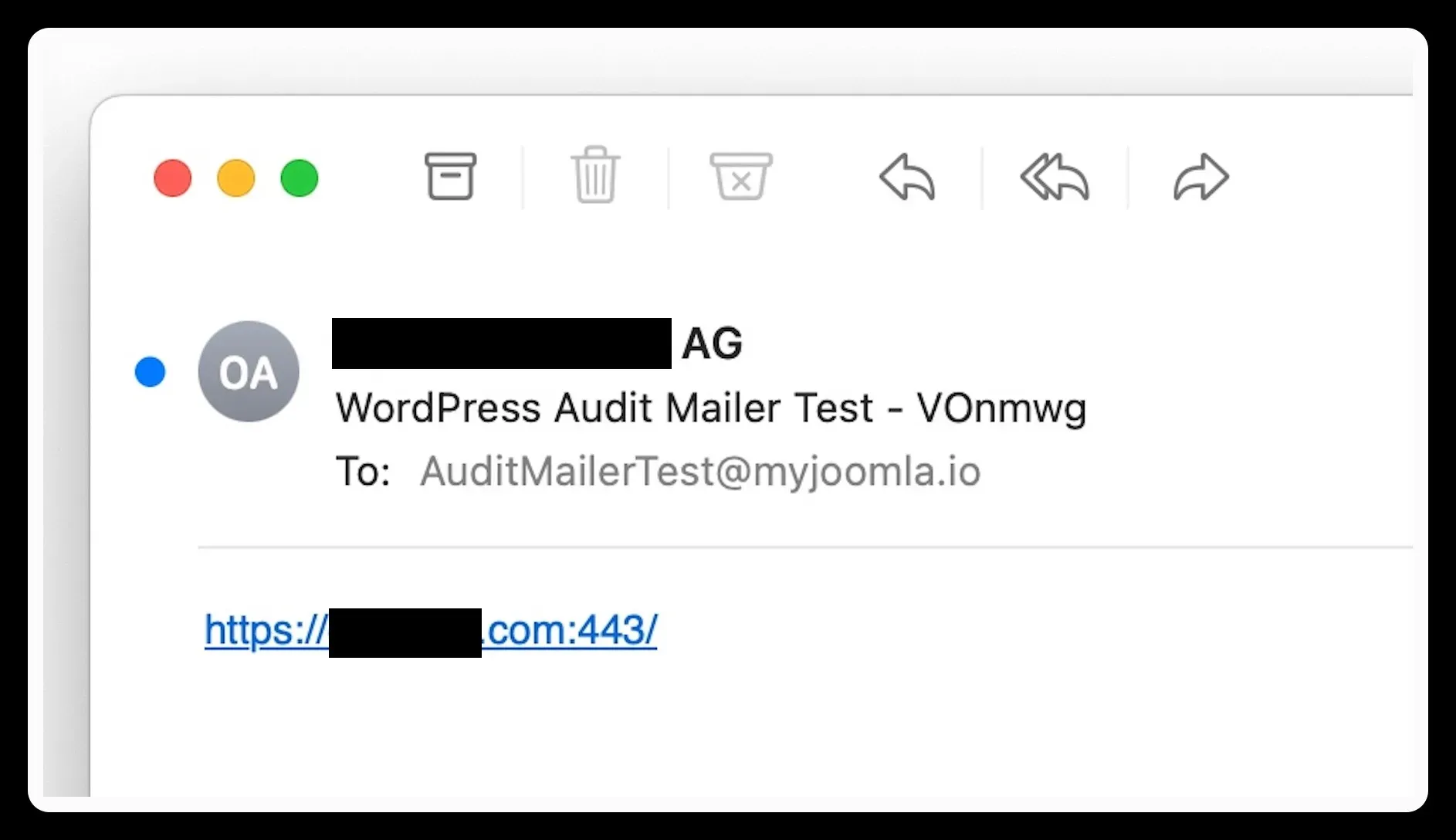
At the start of every mySites.guru audit we use the Joomla/WordPress Configuration for Mail settings (whatever you have your Joomla/WordPress site configured for sending mail) to send a short email to AuditMailerTest@myjoomla.io
(myJoomla was the initial name for the mySites.guru service, before we added support for WordPress sites, at that point we changed brand to mySites.guru)
If we receive this then we flag that in the audit results as a success, if the email doesn’t arrive then we flag that as a failure and something to investigate.
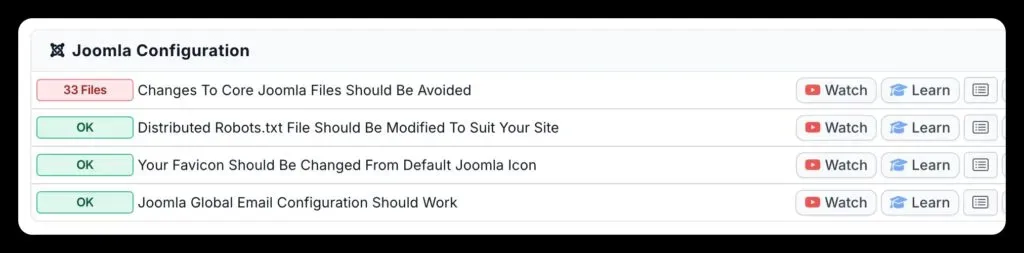
This is a valid test to ensure your site can send emails.
Now, the server that receives these emails is not a real SMTP server, its a PHP script that pretends its a SMTP server, converts the incoming email to JSON and sends it back to mySites.guru for processing.
If we don’t receive the email then that is flagged in the mySites.guru audit - because it would mean that your Joomla/WordPress site could not send email using its configured method of sending emails… - if your site cannot send email that might mean you are losing emails! See how to diagnose and fix your email configuration for a full walkthrough.
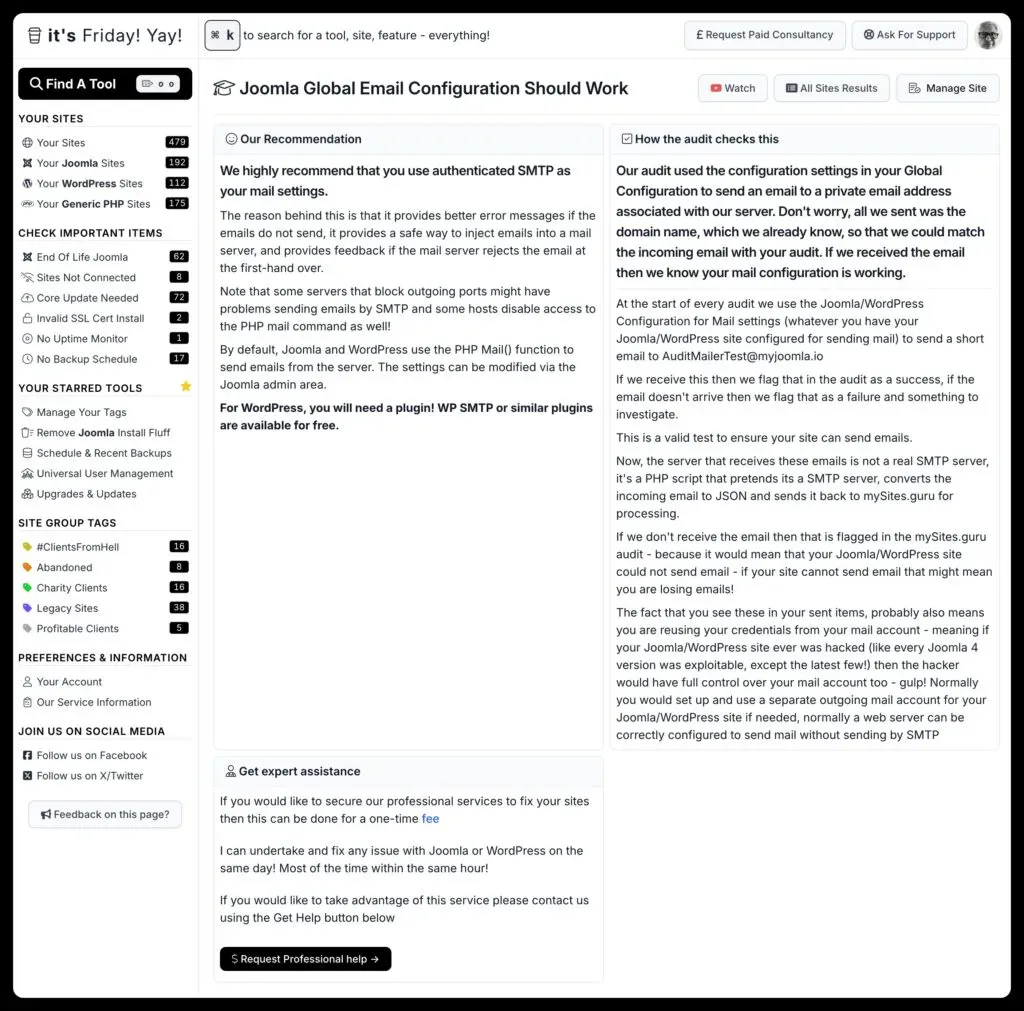
If you can see these emails in your Mail Clients “sent items” folder it probably also means you are reusing your credentials from your mail account with your site - this is bad and should be changed - if your Joomla/WordPress site ever was hacked (like every Joomla 4 version was exploitable to expose configuration.php values, except the latest few!) then the hacker would have full control over your mail account too - gulp! Beyond configuration files, hackers often leave behind hidden dot-files you’d never spot without a dedicated scan.
Normally you would set up and use a separate outgoing mail account for your Joomla/WordPress site if needed, normally a web server can be correctly configured to send mail without sending by SMTP. Personally we recommend using a SMTP service like PostMarkApp.com which provides better outgoing deliverability and visibility of sent emails. For a complete walkthrough of SMTP settings, common mistakes, and DNS configuration, see the full guide on how to verify your Joomla email configuration.
If you are receiving bounce backs or server spam error messages - then check your outgoing mail settings - because if you are bouncing or spam flagging our emails, you are probably also flagging emails that are sent from your site.
You can now turn this test off, per site
For years my answer to “how do I stop these emails?” was that you couldn’t, short of cancelling or never running another audit. Enough of you came back with a fair reason, usually that the site never sends email at all or the host blocks outbound mail, so there is now a switch for it.
Open the site in mySites.guru, click Config, and on the Advanced tab you will find Test Your Site’s Email Settings with a Skip the email test toggle. Turn it on and two things happen: we stop asking that site to send the test email, and the Email Configuration row disappears from its audit results.
Worth knowing before you reach for it:
- It is per site, not account-wide. Switch it off on the one awkward site rather than across everything.
- It is off by default, so nothing changes on any site you don’t touch.
- It takes effect on that site’s next connector update, usually within 24 hours, so you may get one more test email after you flip it.
I have not removed the check, and I would still rather you left it on. A site that cannot send email is usually a site losing contact form submissions, order confirmations and password resets without anyone noticing, and this test is the cheapest way to find that out before your customers do. But if you already know a site never sends email, there is no point in me proving it every audit.
Frequently Asked Questions
Why is my site sending emails to AuditMailerTest@myjoomla.io?
What does it mean if the audit reports the email test as failed?
Is it a problem if I can see these test emails in my mail client's sent folder?
Can I stop the test emails without cancelling my subscription?
 Written and edited by a human, with AI assistance. Our approach to AI