Migrating to Modern Joomla When Using mySites.guru
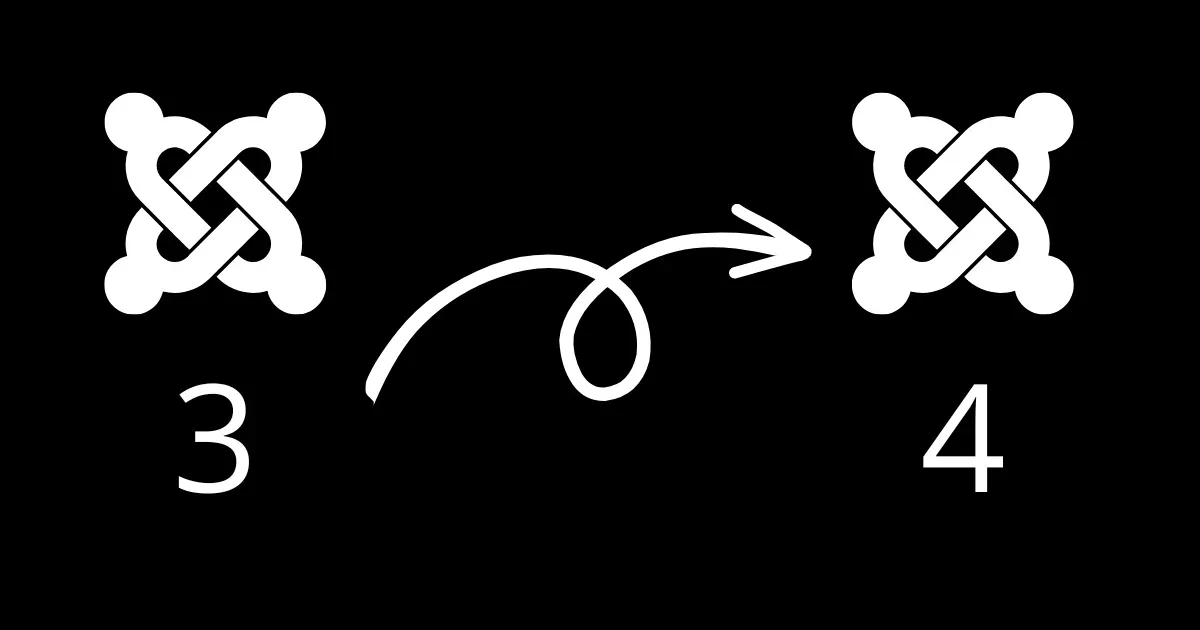
This is not a guide on how to migrate Joomla 3 to a newer version. This is for mySites.guru subscribers who want to keep their sites connected and monitored after migrating.
Joomla 3 reached end-of-life on August 17, 2023. No further releases will be made, even for security issues. If you still have Joomla 3 sites, migrating to Joomla 4, 5, or 6 should be a priority.
Joomla 6 is the current stable release. Which version you target depends on your hosting and what extensions you need. Check the Joomla 6 requirements to see if your servers are ready.
Why is this a migration, not an upgrade?
Moving from Joomla 3 to Joomla 4+ is a migration, not a one-click upgrade. Every plugin, extension, module, and template on your site needs a compatible version for the target Joomla release. Some won’t have one. If you manage multiple sites, the template comparison tool helps you track which sites still need their templates migrated.
Sometimes the only way to find out is to attempt the migration and fix what breaks. Plenty of migrations stall when that one extension you depend on hasn’t been updated in years and has no replacement.
ℹ️ Joomla's official migration guides
These were written for the Joomla 3 to 4 migration. Some URLs may have moved since then, but the general process still applies for moving to Joomla 4+.
Why don’t we offer a fixed-fee migration service?
Every Joomla 3 site is different. The extensions, the template framework, whatever custom code has been bolted on over the years. We could get days into the work and hit a wall because one critical extension has no modern replacement.
There’s no honest way to quote a fixed price for that, so we don’t offer it.
How do you reconnect mySites.guru after migration?
The Joomla 3 connector won’t work on Joomla 4 or later. Joomla 4, 5, and 6 each have their own dedicated connector plugin, built to take advantage of the PHP standards available in each major version.
Here’s the process:
- Remove the old mySites.guru plugin from your Joomla 3 site before migrating
- Delete the old site entry from your mySites.guru account
- Migrate your site to your target Joomla version (4, 5, or 6) and get it stable
- In mySites.guru, click “Add Another Site” and select the Joomla 4+ connector option
- Install the new connector in your migrated site’s admin panel
After that, mySites.guru works the same as it did with your Joomla 3 site. All the same monitoring and management tools, plus version-specific features like the Joomla 6 requirements checker.
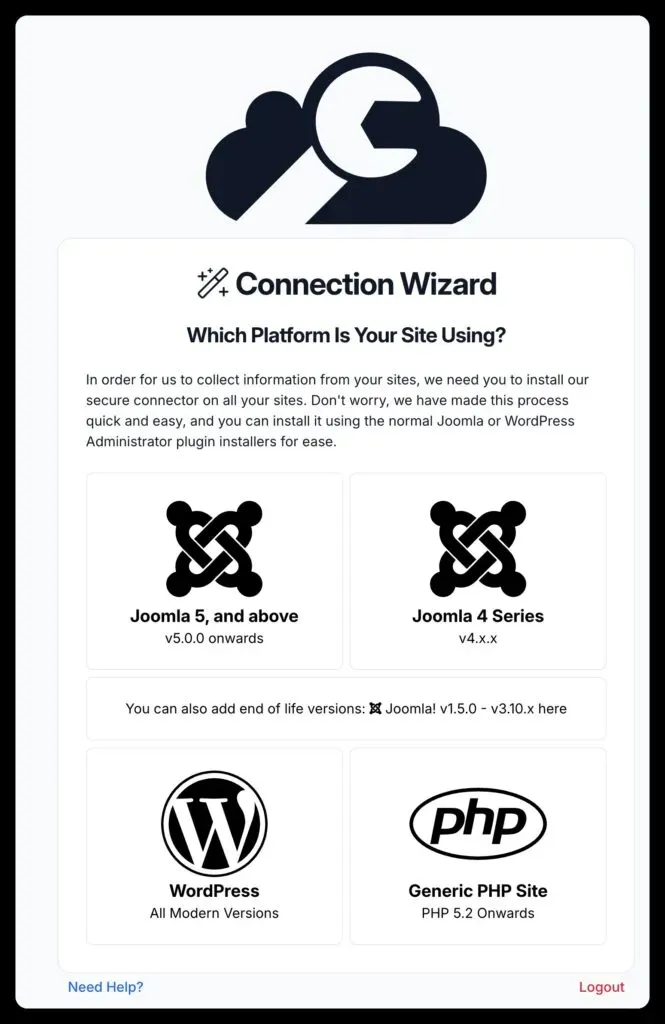
If you run into any issues during the reconnection, get in touch.
Migration planning is covered in depth in our Joomla Agency Handbook.
Frequently Asked Questions
Do I need to reinstall the mySites.guru connector after migrating from Joomla 3?
Does mySites.guru work with Joomla 5 and Joomla 6?
Can mySites.guru migrate my Joomla 3 site for a fixed fee?
 Written and edited by a human, with AI assistance. Our approach to AI