End-of-Life Version Support in mySites.guru
In a perfect world, every site would run the latest version of Joomla or WordPress. In practice, plenty of sites are stuck on old releases. Sometimes very old ones, including Joomla 3, which reached end of life in 2023. mySites.guru was built with that in mind.
Joomla Support Goes Back to 1.5.0
Most management services only work with recent Joomla releases. mySites.guru connects to every version from Joomla 1.5.0 onwards. The full 1.5, 2.x, 3.x, 4, 5, and 6 series, all with a single plugin.
Joomla 1.5.0 was released in January 2008. The final 1.5.x release (1.5.26) came out in 2012. To support versions that old, our plugin has to stay compatible with PHP 5.3.9+. That took real work to get right.
⚠️ Running old versions is a risk
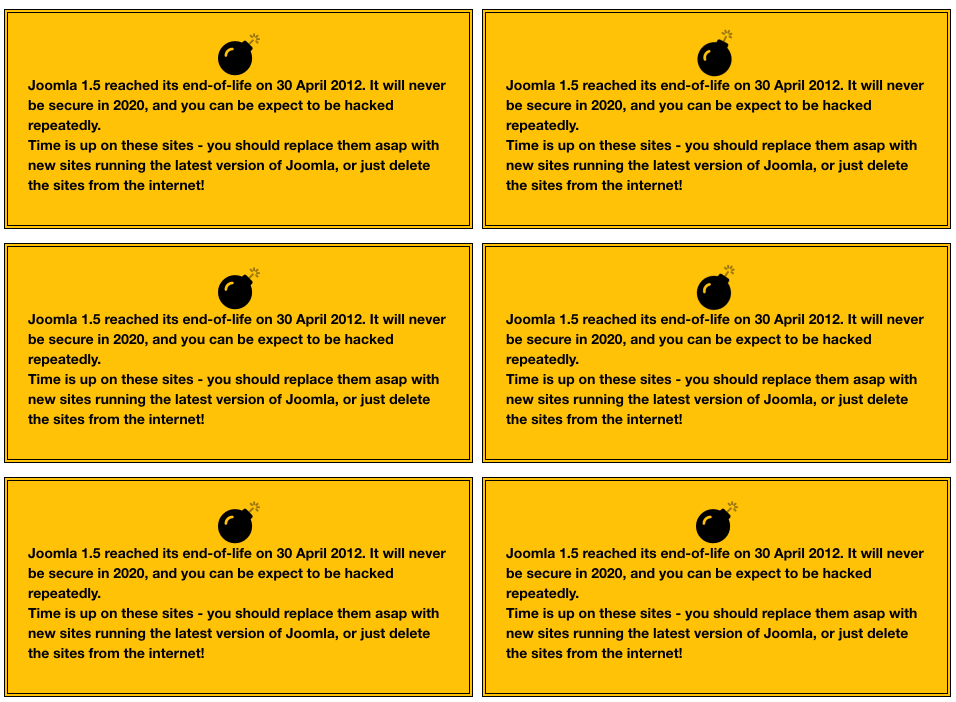
We support old Joomla versions so you can manage and migrate them, not so you can leave them sitting there. PHP 5.3 is long past end-of-life and has known security vulnerabilities. You need to see what you're dealing with before you can fix it.
If you still have Joomla 3 sites, mySites.guru has a tool to fix known Joomla 3 security issues with a single click. Worth running on anything that hasn’t been migrated to Joomla 4+ yet.
WordPress Version Tracking Across Your Portfolio
mySites.guru tracks WordPress version support too and flags sites that fall behind. WordPress has had automatic updates for years, so there are fewer ancient installations compared to Joomla. But outdated WordPress sites absolutely still exist, and they get targeted. Version bumps like WordPress 7.0 “Armstrong” (released 20 May 2026, dropping PHP 7.2/7.3 entirely) can leave sites stranded on old branches if you’re not tracking PHP versions across your portfolio.
Why Should You Upgrade Immediately After a Release?
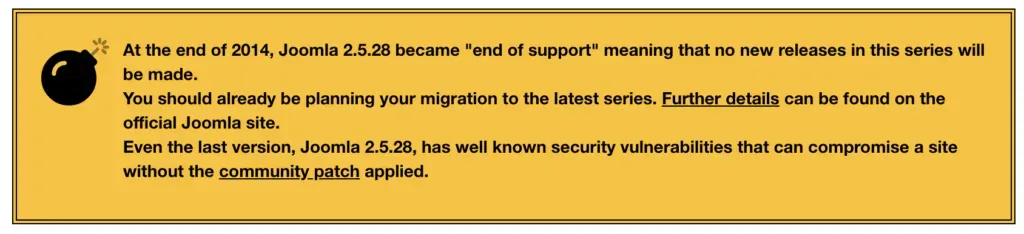
Every Joomla or WordPress release includes notes about the security issues it fixes. Once that information is public, attackers start probing sites that haven’t updated yet. The common advice to “wait a few days to see if anything breaks” is exactly backwards. Those first few days after a release are when your site is most exposed. The Joomla 5.4.6 and 6.1.1 release on 26 May 2026 is a good recent example - ten CVEs published in one go, including a High-severity com_users privilege escalation that has existed since Joomla 4.0.0.
PHP has its own end-of-life clock, separate from your CMS, and it runs on a different schedule: two years of active support, two more years of security fixes, then nothing. How PHP branches and patch levels are tracked covers which versions are still supported and why a higher version number is not always the newer release.
Keep everything up to date across all your sites, run regular security audits, and let mySites.guru tell you when something falls behind.
Version lifecycle management is covered in our CMS updates guide.
Frequently Asked Questions
How far back does mySites.guru support old Joomla versions?
Why should I upgrade Joomla or WordPress immediately after a release?
Does mySites.guru track end-of-life WordPress versions too?
 Written and edited by a human, with AI assistance. Our approach to AI