Manage and Monitor Any PHP App with mySites.guru
mySites.guru isn’t just for Joomla and WordPress. You can add, manage, audit, back up and monitor any webspace that can run PHP.
mySites.guru is best known for helping agencies and developers manage multiple Joomla and WordPress sites, with over 80,000 sites already connected. But the same toolset works for any PHP application. Drupal, Prestashop, Magento, Laravel, custom-built apps - if it runs PHP, you can connect it.
That means you get the full security audit, site management, backup, and uptime monitoring capabilities across every site in your portfolio, no matter what CMS it runs.
The screenshots below are from an older version of the interface. We've since redesigned the dashboard, but the process works the same way.
Connecting a generic PHP site
Using the connect-another-site wizard, select the Generic PHP option and download the connector. Upload it to the /bfnetwork directory on your server.
You then provide database credentials (mySites.guru uses a database table to store the audit cache) and you’re connected.
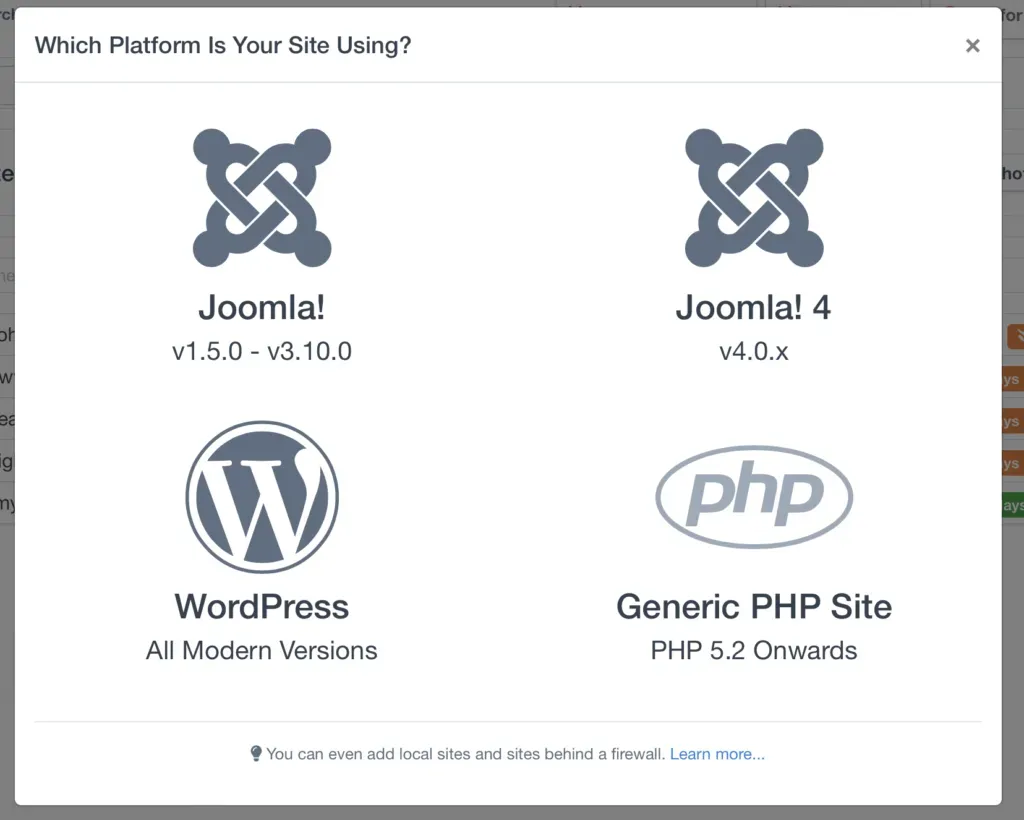
Once connected, your generic PHP site appears alongside your Joomla and WordPress sites in the same dashboard. You manage everything from one place.
What tools work with generic PHP sites?
You get the same toolset you’d get with a Joomla or WordPress site. Nothing is cut down or restricted.
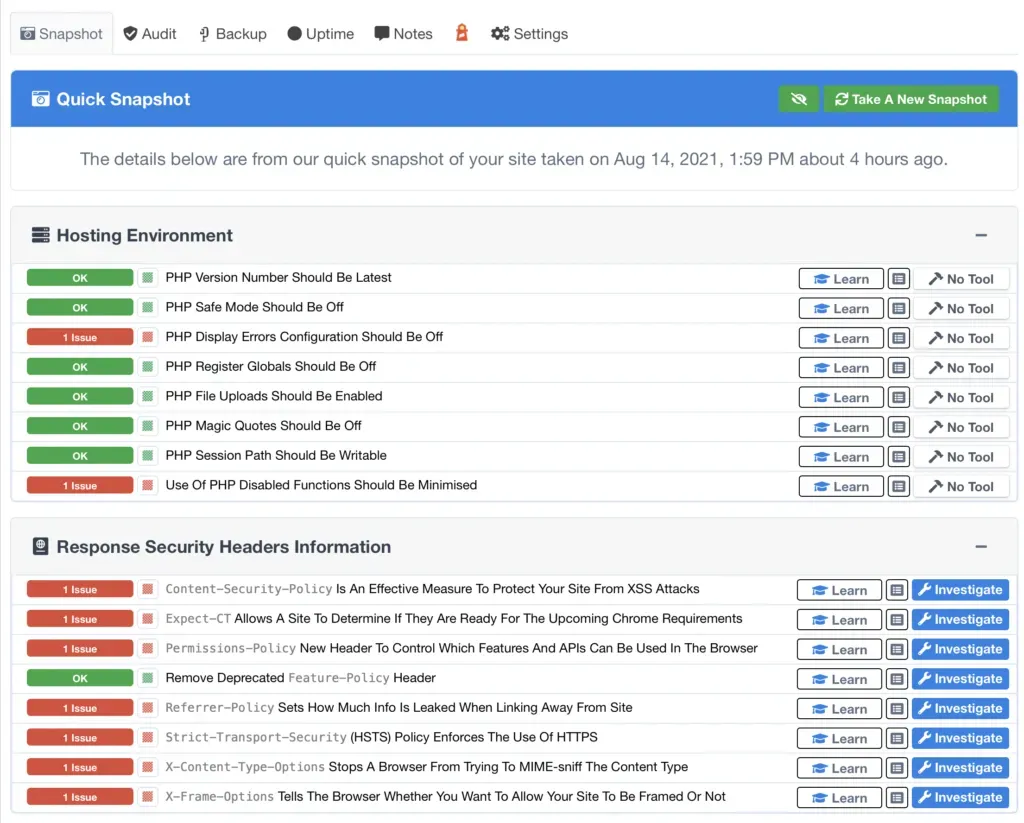
The snapshot collects server details, PHP configuration, disk usage, and database stats. The full security audit scans every line of every file in your webspace looking for hacks and malicious code. The suspect content tools flag anything suspicious and let you view, edit, or delete flagged files directly.
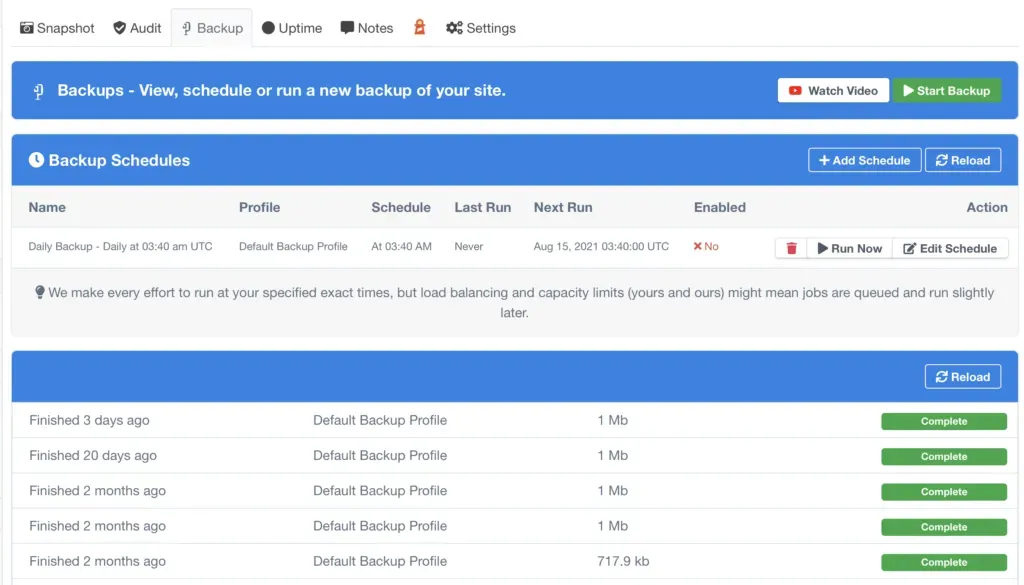
You can also connect Akeeba Backup Solo and use mySites.guru to trigger periodic backups of your webspace. With the Professional version, you can push those backups to remote storage like Dropbox or sFTP.
Uptime monitoring, included free
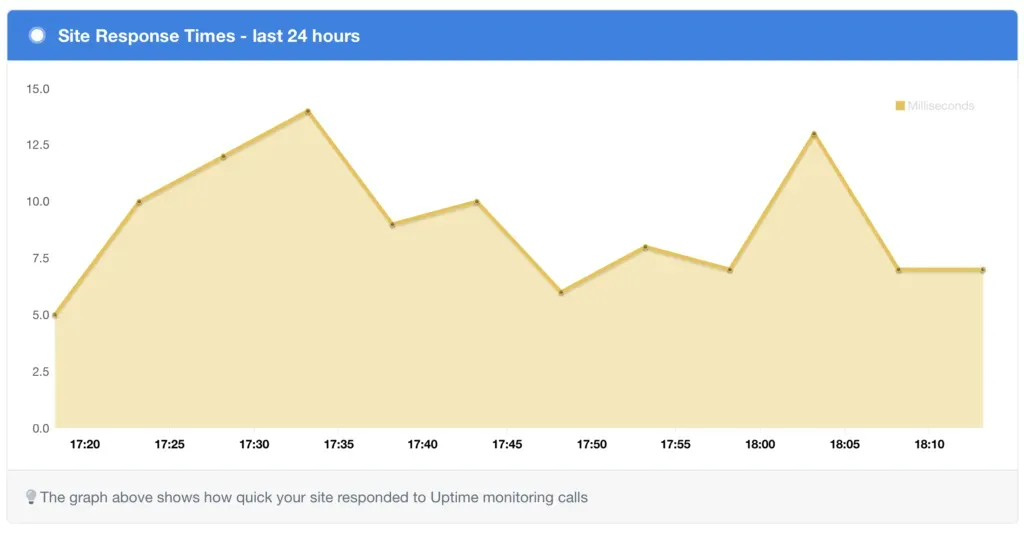
Every site you add to mySites.guru gets free uptime monitoring powered by our own monitoring engine. No third-party service, no extra cost.
mySites.guru alerts you when your site goes offline and again when it comes back. If you ever get an alert but the site loads fine for you, here’s why that happens. Response times are logged so you can spot performance trends and catch problems before your users do.
Backups with Akeeba Backup Solo
Akeeba Backup is well known in the Joomla world, but the same backup engine is available as a standalone product called Akeeba Backup Solo. It works on any PHP webspace, no CMS required.
Once installed, mySites.guru can schedule and trigger backups on whatever interval you need. Daily, weekly, or tied to specific events. The Professional edition adds remote push to Dropbox, Amazon S3, sFTP, and other storage backends.
Security audits for any PHP application
The security audit is where mySites.guru really earns its keep on generic PHP sites. Most security tools are built for WordPress or Joomla specifically. They know what core files should look like and flag changes. But what about a Laravel app, a custom CMS, or a legacy PHP codebase? Those don’t have a “core” to compare against.
mySites.guru’s audit doesn’t rely on knowing your CMS. It scans every file in your webspace and looks for patterns that indicate malicious code: base64-encoded payloads, eval statements, obfuscated variables, known backdoor signatures, and more. If someone has injected code into any file on your server, the audit will flag it.
You can also set up real-time file change alerts on critical files. If anything changes, you get an email immediately.
What types of PHP applications work?
Anything that runs on a standard PHP hosting environment. Some examples:
- Drupal - full audit and backup support, uptime monitoring
- Prestashop - scan your e-commerce files for injected payment skimmers
- Magento / Adobe Commerce - monitor a complex codebase for unauthorized changes
- Laravel - audit deployed applications alongside your WordPress and Joomla sites
- Custom PHP applications - legacy systems, bespoke CRMs, internal tools
- Static sites with PHP contact forms - even minimal PHP sites benefit from file monitoring
The connector doesn’t care what framework you use. It just needs PHP and a database connection for caching.
Managing a mixed portfolio
Most agencies don’t run a single CMS. You’ve got clients on WordPress, a few legacy Joomla sites, maybe a custom Laravel app for an internal tool, and a Drupal site that nobody wants to touch.
Before mySites.guru, that meant separate dashboards, separate monitoring tools, and separate backup workflows for each platform. Now everything lives in one place.
The best practice checks flag common configuration problems across all your sites. PHP version too old? Debug mode left on? Weak file permissions? You’ll see it for your generic PHP sites the same way you see it for WordPress and Joomla.
Getting started
Connecting your first generic PHP site takes a few minutes:
- Log in to mySites.guru and use the connect-another-site wizard
- Select “Generic PHP” and download the connector
- Upload the connector to your server’s
/bfnetworkdirectory - Enter your database credentials in the wizard
- Run your first snapshot and audit
From there, you can schedule backups, enable uptime monitoring, and set up file change alerts - the same workflow you’d use for a Joomla or WordPress site.
Run a free audit to connect your first PHP site and see what mySites.guru finds.