Joomla 5.4.8 and 6.1.3 Break the Template Manager
If you have updated a Joomla site to 5.4.8 or 6.1.3 and then tried to create a template override, you will have seen this:
Joomla\Filesystem\Path::check() - Snooping out of boundsBoth releases shipped a regression in the Template Manager. It stops four separate things from working, and it is not caused by your site, your template, or your host.
Update anyway
5.4.8 and 6.1.3 are security releases. Between them they close ten advisories, [20260801] to [20260810], including an MFA authentication bypass and unrestricted uploads of SHTML files. If you are still on 5.4.7 or 6.1.2, the right move is to update and then deal with this bug, not to sit on an older release to avoid it. They also fix the regression that made 5.4.7 and 6.1.2 ignore every article option, which is a second reason not to stay put. This post is about how to deal with the new one.
What is broken
All four are administrator actions, and all four were confirmed working in 5.4.7 and 6.1.2:
- creating a template override for a component
- creating a template override for a plugin
- creating a folder inside a template
- deleting a folder inside a template
Editing template files you already have still works. So does everything outside the Template Manager. If you never create overrides, you may never notice.
What caused it
One file, administrator/components/com_templates/src/Model/TemplateModel.php, and one pull request: #48171.
It swapped 33 calls to Path::clean() for Path::check(). The difference matters more than it looks. Path::clean() normalises a path string. Path::check() normalises it and rejects anything that resolves outside the Joomla root, throwing if it finds one. Several of the swapped calls are given relative fragments rather than complete paths, so Path::check() sees what it reads as an escape attempt and stops the request.
Worth saying, because it changes how you should feel about reversing it: the author of #48171 stated in the pull request itself that it was not a security fix. The Template Manager is restricted to super users, who can already edit template files and therefore already execute code. The change existed to stop a stream of automated reports about missing traversal checks. It is also absent from the ten security advisories that accompanied 5.4.8.
That single pull request is the only change to that file between 5.4.7 and 5.4.8, and between 6.1.2 and 6.1.3.
When is it fixed
Pull request #48274 is the fix, and it was merged on 20 August 2026, closing issue #48273. It went into 5.4-dev as commit eacfb318, and reached 6.1-dev the same day through upmerge #48278.
The fix shipped in Joomla 5.4.9 and 6.1.4 on 29 September 2026, alongside 16 security fixes covered in the 5.4.9 and 6.1.4 security release write-up. Any site still on 5.4.8 or 6.1.3 has the broken file on disk until it updates.
The answer is to update to 5.4.9 or 6.1.4. The sections below are for sites that cannot update yet: they can live with it, replace the file by hand, or have something do it for you. Staying on the older release is not an option, for reasons covered below.
Joomla has now documented it
Four days after the releases, the Joomla project published known issues pages for both, dated 22 August 2026:
Both name issue #48273 and point at #48171 as the cause, and both give the same workaround: replace administrator/components/com_templates/src/Model/TemplateModel.php with a copy pinned to a specific commit on GitHub. There is still no installable patcher package of the kind the July article options regression got, which shipped as a ZIP that patched the file and then removed itself. This one is a manual file swap. The file is published and pinned to a commit, though, so you are copying a known file into place rather than reconstructing one from a diff.
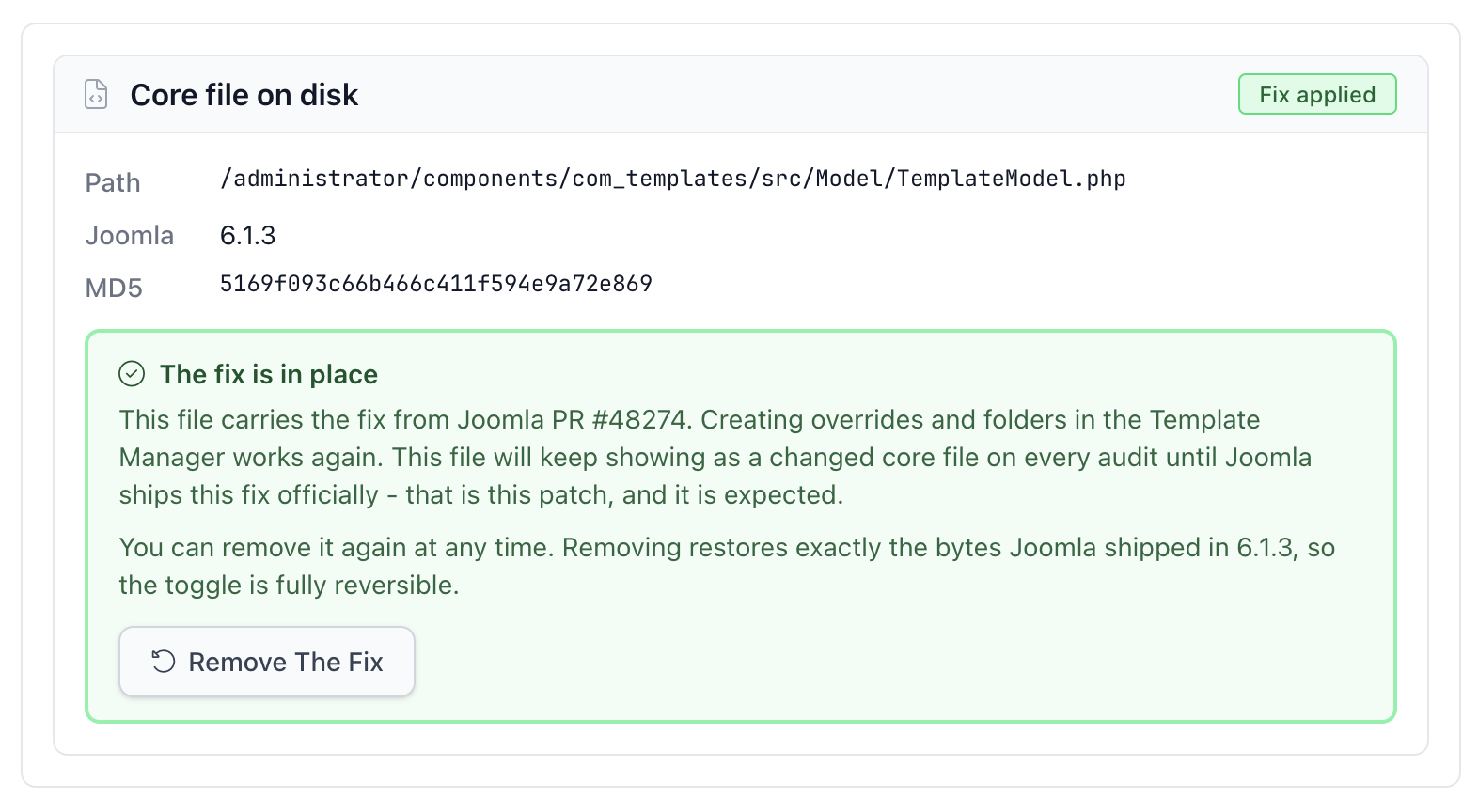
That file is, byte for byte, the one our tool already writes. Joomla’s recommended replacement is MD5 8ac7c42c6a821c838699564116b1815e on 5.4.8 and 5169f093c66b466c411f594e9a72e869 on 6.1.3, and those are the two checksums our patched state reports. Either route leaves the same bytes on your site, so you can check ours against theirs instead of taking our word for it.
Fixing it by hand
Take a copy of the file on your site first. Then download the replacement file that Joomla links from the known issues page for your version, check its MD5 against the value above, and put it in place of administrator/components/com_templates/src/Model/TemplateModel.php.
Two things to know before you do:
The next Joomla update overwrites it
That is not a problem. That update is the permanent fix, and your hand-edit becomes redundant the moment it arrives.
Your site now has a modified core file
Anything watching for core file changes will say so, and it should. That is the honest answer to the question it was asked.
Doing it from mySites.guru
We have added a tool that does both directions. It reads that one file on each connected site, tells you exactly which state it is in, and gives you a button.
Here is an affected site. The checksum shown is byte-for-byte what Joomla shipped in 6.1.3, which is how we know this is the unmodified broken version rather than something someone has edited:
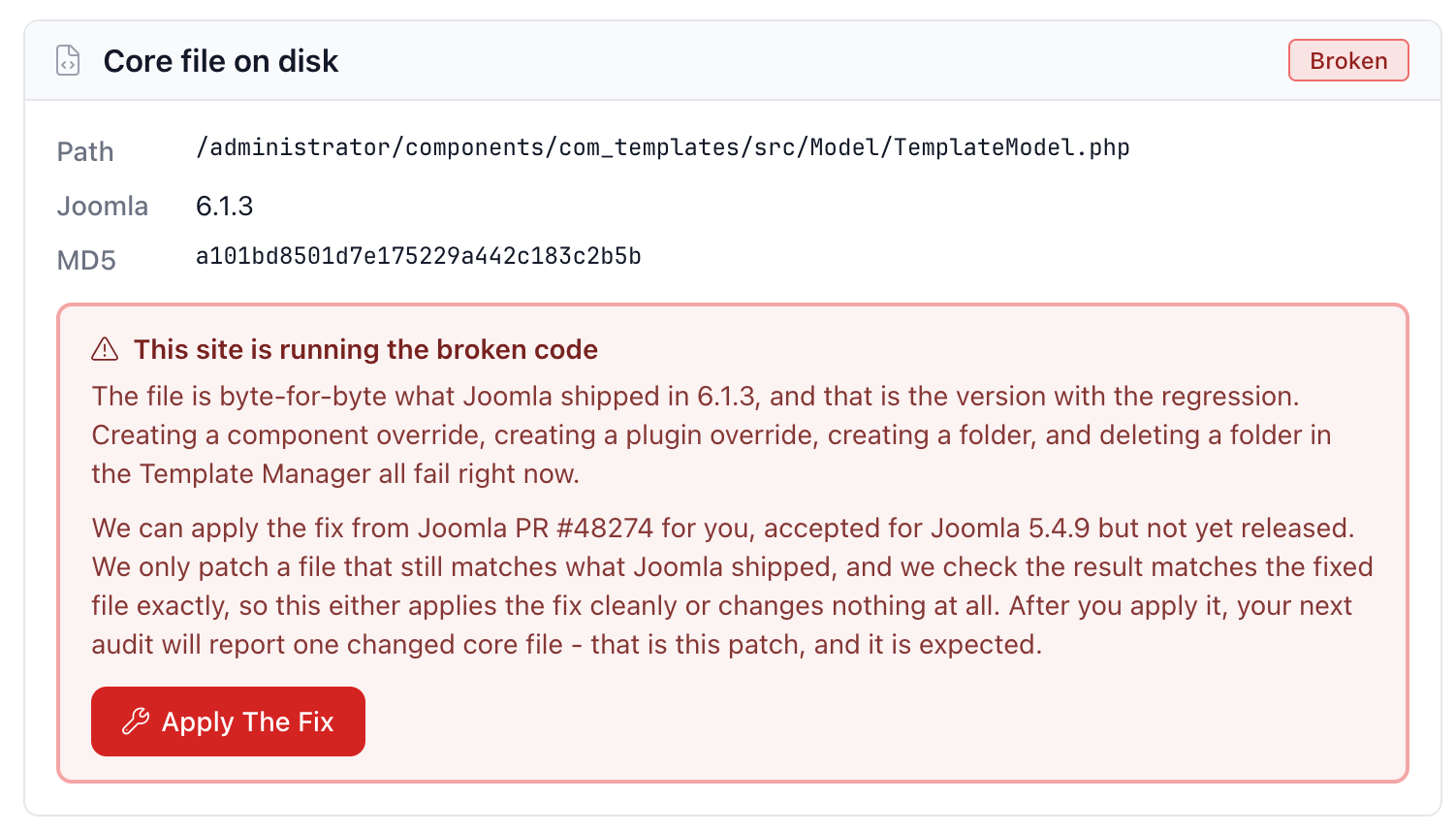
Press Apply The Fix and it patches the file and re-reads it from disk to confirm:
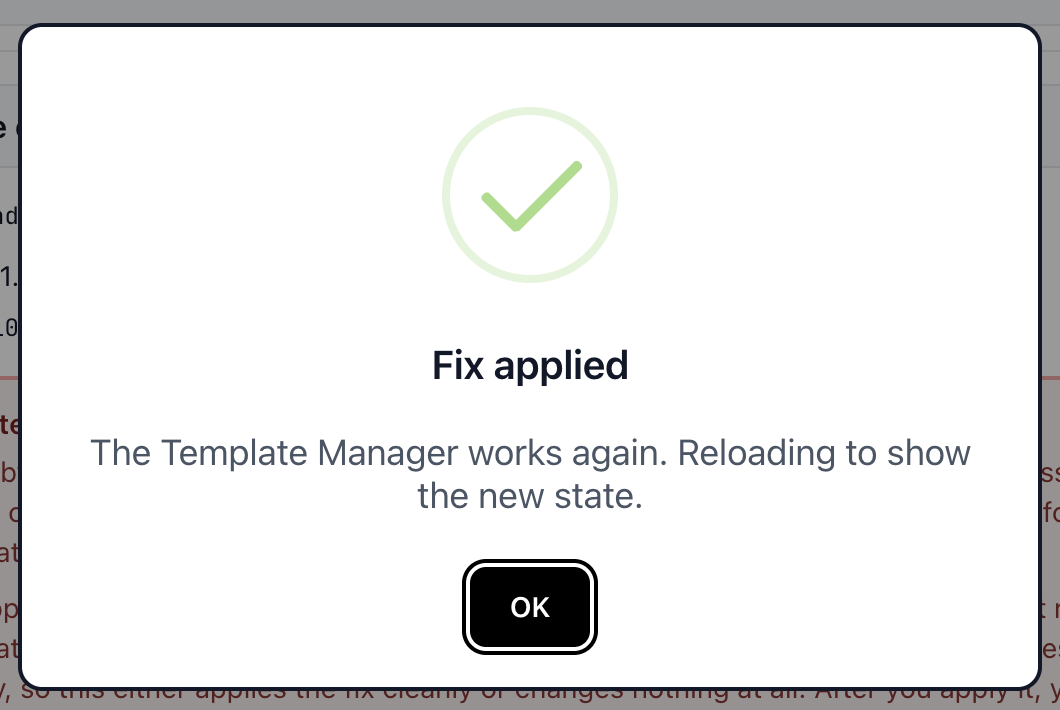
The same card now reads back as patched, with the checksum of the fixed file. The Template Manager works again, and the button has become Remove The Fix:
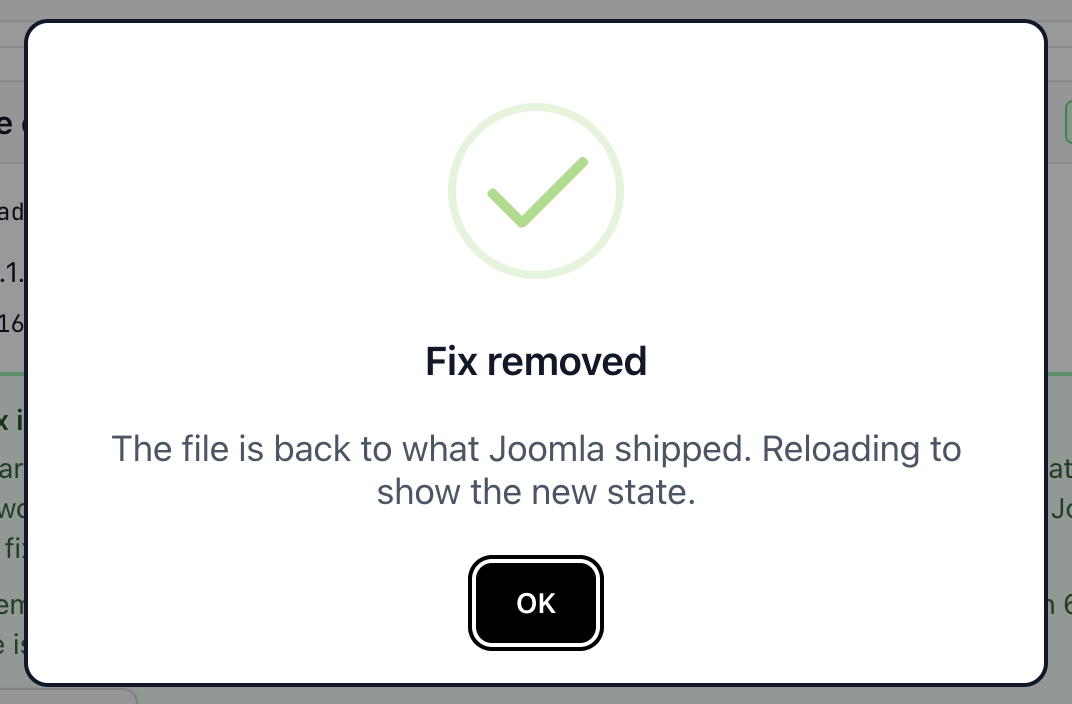
Removing it puts the file back to exactly the bytes Joomla shipped:
It reports one of six states rather than a yes or no, because “we patched it”, “Joomla shipped it broken and we can fix it”, “it is broken but somebody has already edited this file so we will not touch it”, and “we cannot read the file” are four different things to be told.
The safety model is the part worth explaining. Before writing anything, we check the checksum of the file already on your site and require it to be exactly what Joomla shipped. If somebody has edited it, we reject it and tell you, rather than overwriting work we cannot see. After building the replacement we check its checksum too, and after writing it we read it back off disk and check it a third time. If any of those three checks disagrees, nothing is written.
The reverse direction, Remove, runs the same three checks and restores the file byte for byte to what Joomla 5.4.8 or 6.1.3 shipped. At no point does your site hold a version of that file that came from anywhere other than Joomla or that pull request.
Because it is targeted at these two releases specifically, the tool disappears by itself once you update to 5.4.9 or 6.1.4, which shipped on 29 September 2026.
What to do now
If you are on 5.4.7 or 6.1.2, update to 5.4.9 or 6.1.4 now, which fixes both this bug and the ten security issues in 5.4.8 and 6.1.3. Do not sit on the older release to dodge this bug. 5.4.8 and 6.1.3 are security releases, and holding back trades ten security fixes for one admin-panel inconvenience. That is a bad trade in every direction: the bug is an annoyance for whoever builds the site, and an MFA bypass is a way in for someone who does not work for you.
If you are already on 5.4.8 or 6.1.3, update to 5.4.9 or 6.1.4. If you create overrides and cannot update yet, patch it, by hand or from here, and expect your next audit to report one changed core file. That is the patch, and it is meant to be there.
If you are already on 5.4.8 or 6.1.3 and you never touch the Template Manager, you need do nothing. You are on the secure release, and the only thing you lose is the ability to create overrides and template folders until you move to 5.4.9 or 6.1.4.
Across a portfolio the awkward part is not the patch, it is knowing which sites are on which release before a developer hits the error and opens a ticket. That is the same problem as the article options regression a fortnight earlier, and the same answer: mySites.guru records the Joomla version on every connected site twice a day, so you can update them in bulk and see at a glance which ones are sitting on a release with a known bad patch. It is also why accidental version jumps are worth guarding against separately.
Frequently Asked Questions
What exactly is broken in Joomla 5.4.8 and 6.1.3?
What caused it?
Which versions are affected, and which are safe?
Is there an official fix, and when does it arrive?
Can I fix it by hand?
Will patching a core file get my site flagged as hacked?
 Written and edited by a human, with AI assistance. Our approach to AI