How to Hide Joomla Post Installation Messages
Joomla’s Post Installation Messages are useful on one site. When you’re managing thousands of Joomla sites, clearing them one by one gets old fast. mySites.guru lets you dismiss them across all your sites at once.
What is a Joomla Post Installation Message?
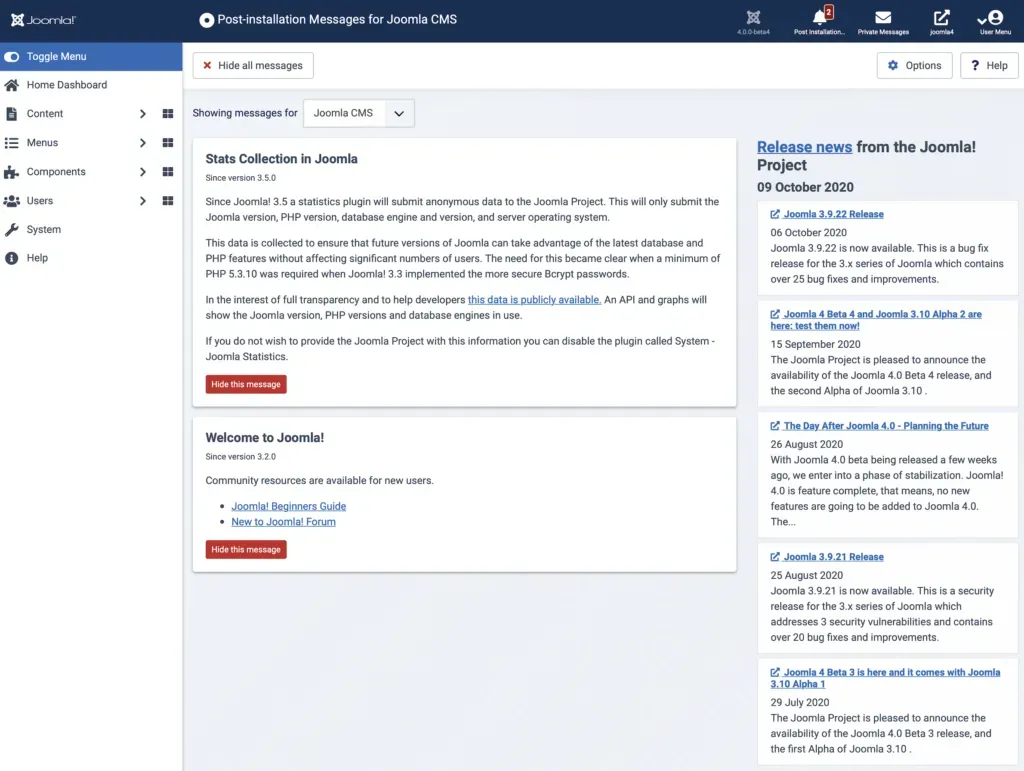
Joomla 3.2 added a feature called “Post Installation Messages”.
Post Installation Messages are used by the Joomla Project - and some extension developers - to convey important information to you after upgrading your Joomla Site or installing a Joomla extension.
In the past they have been used to bring your attention to backward incompatible security changes, changes you need to manually make to your .htaccess, advice to enabled Two factor authentication etc…
The messages are often dynamic and can make checks before showing. For example the Two Factor Authentication Post Installation Message will check to see if you have the plugins enabled before being shown.
The idea is that you are meant to read, consume, understand and apply any suggestions in the Post Installation Messages - and then click to hide them forever (they remain in the database and can be “reverted” to show them again.
What Happens When You Have 1000 Sites?
When you have 1000 Joomla sites to manage, visiting each one to clear the same messages after every update is impractical.
mySites.guru already has tools to allow you to manage 1000s of Joomla sites in one place, to backup, to snapshot and to audit for hacks and best practice - and one of those tools will show you how many Post Installation Messages are unread.
One of our tools will list your sites by this metric:
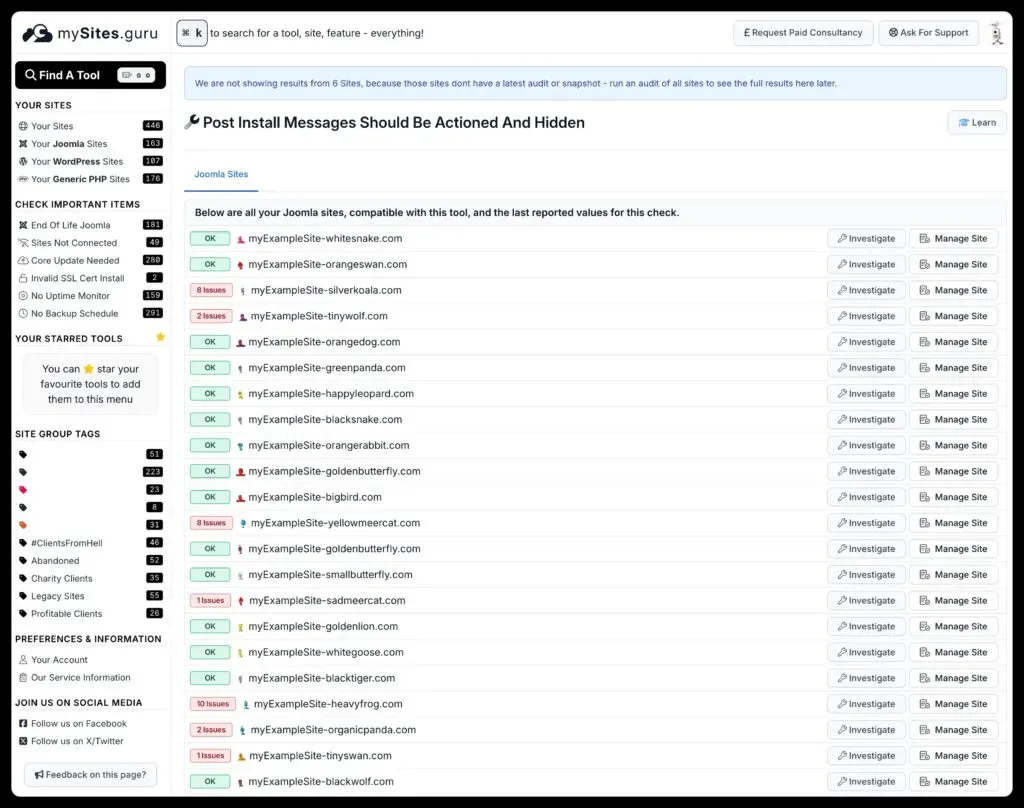
As you can see this account has loads of unread Post Installation Messages across many sites.
How Do You Dismiss Them All in One Click?
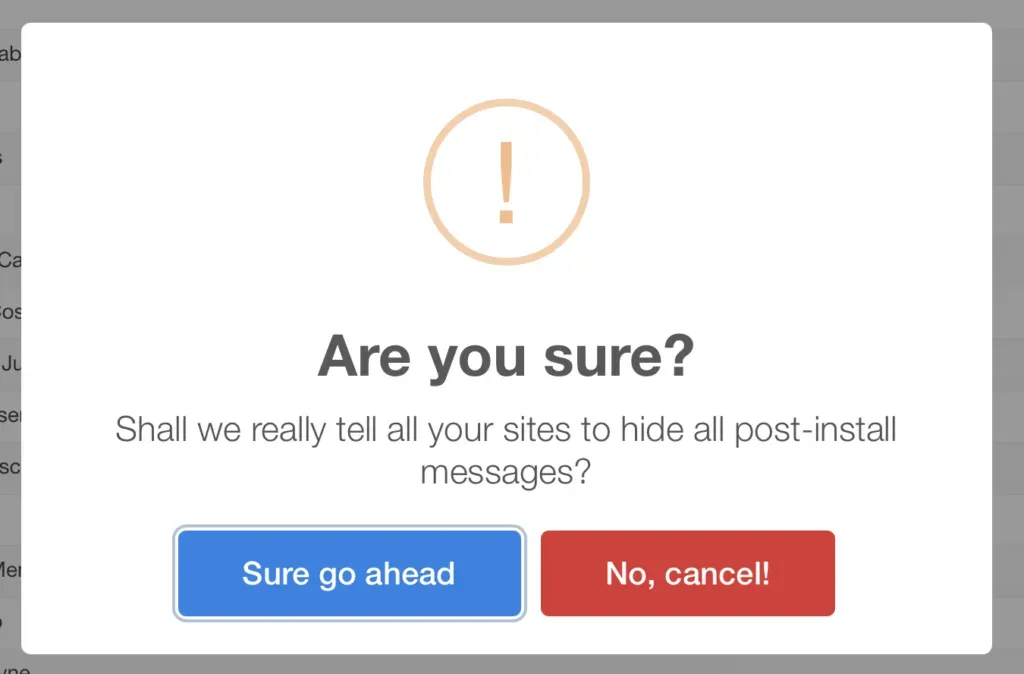
Click the green button:
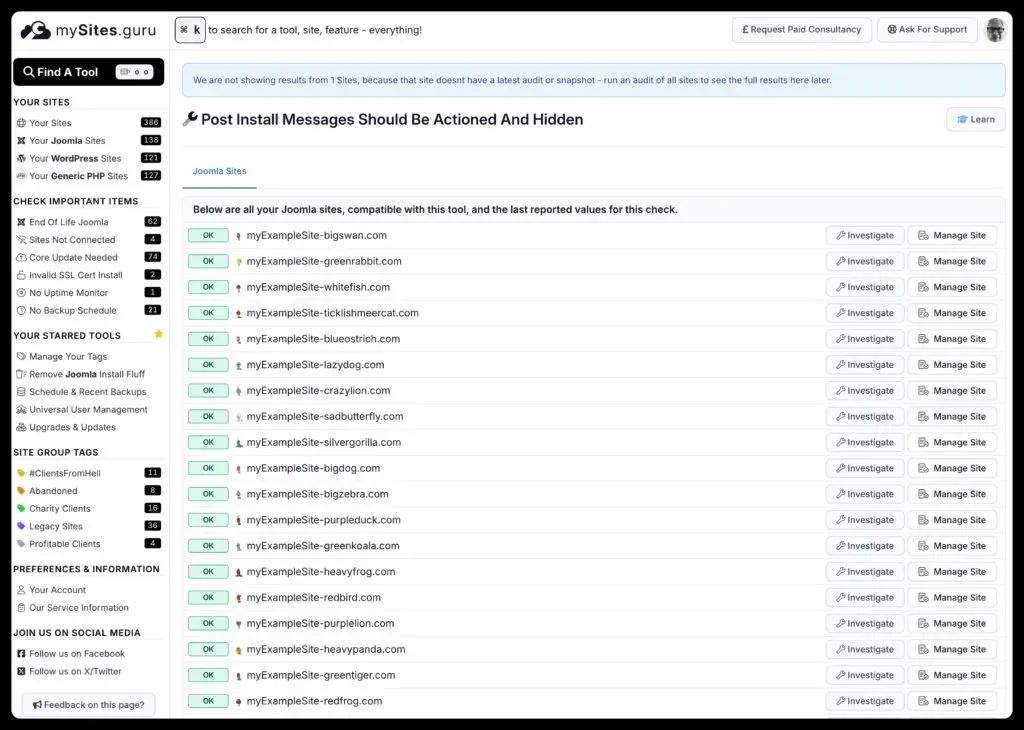
A few seconds later, all Post Installation Messages are cleared on every site:
Where do I find this?
You need a mySites.guru subscription. Pricing hasn’t changed since 2012, and you can get your first month free.
Once you’re a subscriber, add your Joomla sites to your dashboard.
Then, from the Manage Site page, find the Joomla Post Installation Messages tool:

and then click on the Pivot Button that looks like this:

This was one of our most requested features after we started tracking this metric in the mySites.guru snapshot.
Post Installation Messages are useful - on the first site. After that, you’ve read them, and they’re essentially identical across all your sites. Joomla 4 made this worse by showing the alert on every page of the admin:

mySites.guru clears the flag across all your sites at once.
Bulk Joomla admin tasks are part of our Joomla Agency Handbook.
Frequently Asked Questions
What are Joomla Post Installation Messages?
How does mySites.guru let me dismiss Post Installation Messages across many sites?
Why is bulk dismissal useful compared to doing it site by site?
 Written and edited by a human, with AI assistance. Our approach to AI